

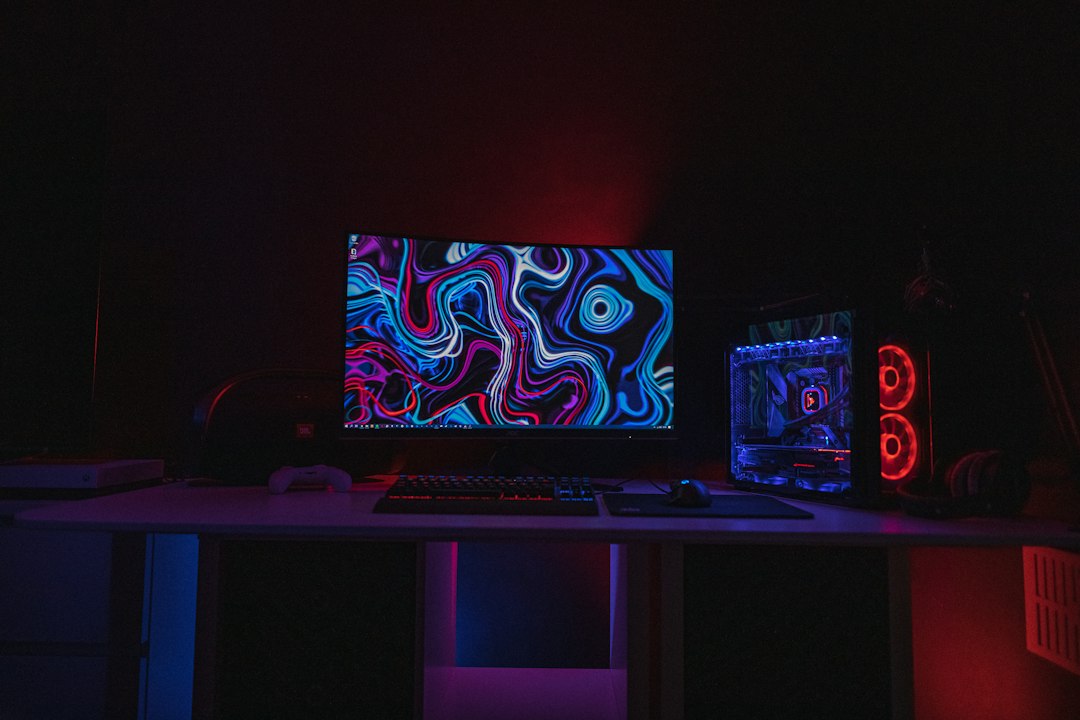
Choosing the best monitor for competitive gaming can feel like a maze, especially with all the tech jargon. If you’re wondering whether to go for an OLED, Mini-LED, or Fast IPS panel, the short answer is: it depends on your priorities and budget. Each has its strengths and weaknesses, making one more suitable for certain players or game types than others. This guide will break down what each technology offers so you can make an informed decision for your next competitive gaming setup.
The Panel Contenders: A Quick Overview
Let’s quickly get acquainted with our three main players. Understanding the fundamental differences in how these panels display images is key to appreciating their performance characteristics in competitive gaming.
OLED: Pixels That Light Themselves
OLED stands for Organic Light Emitting Diode. The magic here is that each individual pixel generates its own light. This is a huge deal because it means when a pixel needs to be black, it simply turns off completely. No light bleed, no glowing grays – just pure, absolute black. This self-emissive nature contributes significantly to its stunning contrast and vibrant colors.
Mini-LED: Many Tiny Backlights
Mini-LED isn’t a completely new display technology like OLED; it’s an advanced form of traditional LCD (Liquid Crystal Display) technology. Instead of a handful of large backlights, Mini-LED panels use thousands of tiny LEDs to illuminate the pixels. These tiny LEDs are grouped into “dimming zones,” which can be controlled individually. The more dimming zones, the more precise the control over local contrast and brightness, getting much closer to OLED-like black levels than standard LCDs.
Fast IPS: Speed and Color Balance
IPS (In-Plane Switching) panels are well-regarded for their excellent color accuracy and wide viewing angles. “Fast IPS” takes this a step further, optimizing the pixel response times to make them much more suitable for high refresh rate gaming.
While not self-emissive like OLED or having the precise backlighting of Mini-LED, Fast IPS offers a good balance of speed, color quality, and generally more consistent performance across the board without some of the quirks of the other two.
When considering the best display technology for competitive gaming monitors, it’s essential to also focus on the tools that can enhance your gaming experience, such as video creation software. For instance, an insightful article on the best software to create training videos can provide valuable resources for gamers looking to improve their skills and share their gameplay strategies. You can check it out here: best software to create training videos. This resource complements the discussion on OLED, Mini-LED, and Fast IPS technologies by emphasizing the importance of effective training and content creation in the gaming community.
Key Takeaways
- The training data includes information and events up to October 2023.
- Insights and knowledge are based on a wide range of sources available until the cutoff date.
- No updates or developments occurring after October 2023 are included in the training.
- Users should verify current information from reliable sources for the latest updates.
- The model’s responses reflect the context and knowledge available up to the specified date.
Performance Metrics for Competitive Gaming
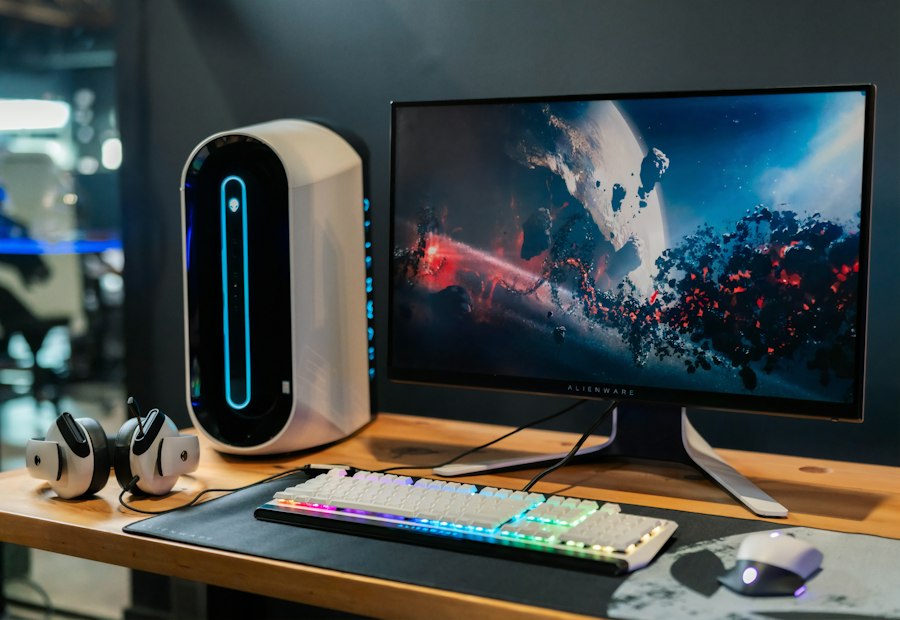
When we talk about competitive gaming monitors, specific performance metrics take center stage. These aren’t just buzzwords; they directly impact your in-game experience and, potentially, your performance.
Refresh Rate and Response Time
These two often get confused but are distinct and crucial.
- Refresh Rate (Hz): This tells you how many times per second the monitor can update the image. A higher refresh rate (e.g., 144Hz, 240Hz, 360Hz) means smoother motion, less ghosting, and a more fluid visual experience. In fast-paced games, a higher refresh rate can give you a crucial edge by showing you updated information sooner.
- Response Time (GtG): This measures how quickly a pixel can change from one color to another (typically gray-to-gray). Lower response times (e.g., 1ms, 0.5ms) reduce motion blur and ghosting, keeping fast-moving objects sharp and clear. This is especially important for tracking enemies or targets in competitive shooters.
Input Lag
Input lag is the delay between when you perform an action (like clicking your mouse) and when that action is displayed on the screen. While often tied to the monitor, it’s a cumulative delay involving your entire system. For monitors, lower input lag is always better, as it means your inputs are reflected on screen almost instantly. Even a few milliseconds can feel noticeable in high-stakes competitive play.
Contrast and Black Levels
While raw speed is paramount, how well you can discern details in shadows or bright areas also matters.
- Contrast Ratio: This is the ratio between the brightest white and the darkest black a monitor can produce. A higher contrast ratio makes images appear more vibrant and gives them more depth.
- Black Levels: How truly black a monitor can get. Deep, inky blacks improve shadow detail, making it easier to spot enemies lurking in dark corners, especially in games with dynamic lighting.
Color Accuracy and Brightness
Good color representation contributes to a more immersive experience and can sometimes help with target identification.
- Color Accuracy: How closely the colors displayed on the screen match the intended colors. While less critical than refresh rate for competitive advantage, accurate colors can prevent eye strain and make the game world more appealing.
- Brightness (nits): The maximum light output of the monitor. High brightness is important for HDR content and for maintaining visibility in brightly lit rooms. However, excessively high brightness can also cause eye fatigue.
Deep Dive into Panel Technologies for Gaming
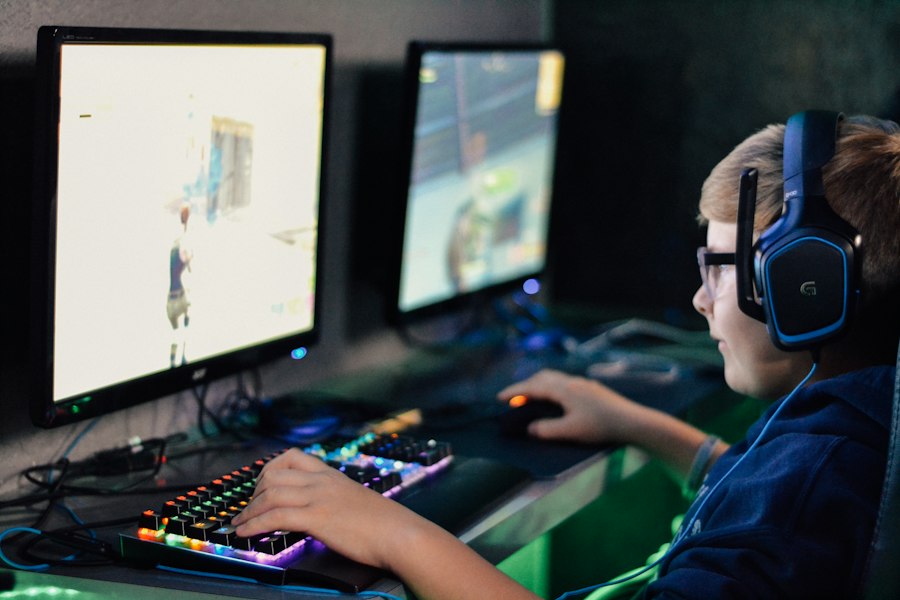
Now, let’s break down how each technology fares across these crucial gaming metrics.
OLED: The King of Visuals, with Competitive Potential
OLED monitors bring an unparalleled visual experience to the table, and they’re increasingly becoming viable for competitive play.
Advantages of OLED for Gaming
- Near-Instant Response Times: OLED pixels turn on and off almost instantaneously, typically boasting response times as low as 0.03ms GtG. This virtually eliminates motion blur and ghosting, providing incredibly crisp motion clarity. This is arguably their biggest competitive advantage outside of visuals.
- Infinite Contrast and Perfect Blacks: Because each pixel is self-emissive, OLEDs achieve truly perfect blacks by simply turning off individual pixels.
This results in an “infinite” contrast ratio, making scenes incredibly dynamic and giving unprecedented detail in dark areas. Spotting enemies in shadows becomes significantly easier.
- Wide Viewing Angles: Colors and contrast remain consistent even when viewed from extreme angles, which isn’t typically critical for a single-player competitive setup but is a inherent benefit.
- Vibrant Colors and Excellent HDR: OLED panels produce exceptionally vibrant and accurate colors, making games look stunning. Their perfect blacks and pixel-level brightness control make for an outstanding HDR experience.
Disadvantages of OLED for Gaming
- Potential for Burn-in: This is the most discussed drawback.
Static UI elements (like HUDs, health bars, mini-maps) displayed for long periods can, over time, cause permanent image retention or “burn-in.” While modern OLEDs have sophisticated mitigation technologies (pixel shifting, logo dimming, panel refresh cycles), it’s still a concern for competitive players who might play the same game for hundreds or thousands of hours with a static UI.
- Lower Peak Brightness (compared to Mini-LED): While excellent for HDR due to contrast, OLEDs generally don’t reach the same peak brightness levels as Mini-LED monitors, especially for full-screen white content. This can make them less suitable for very brightly lit rooms or for certain HDR highlights that demand extreme luminance.
- Higher Cost: OLED technology is generally more expensive than Mini-LED and Fast IPS, though prices are coming down.
- Auto Brightness Limiter (ABL): To protect the panel and manage heat, OLEDs often employ ABL, which can dim the overall screen brightness when large areas of white or very bright content are displayed. This can be noticeable in desktop use or specific game scenarios.
Mini-LED: Bridging the Gap
Mini-LED aims to deliver much of the visual fidelity of OLED, particularly in contrast and HDR performance, while retaining some of the advantages of LCD technology.
Advantages of Mini-LED for Gaming
- Excellent Contrast and Black Levels: With thousands of dimming zones, Mini-LED can achieve very high contrast ratios and significantly deeper blacks than standard IPS panels.
While not perfect like OLED, they come remarkably close, greatly enhancing visual depth and shadow detail.
- Superior Peak Brightness: Mini-LED monitors can get exceptionally bright, often exceeding 1000 nits, making them fantastic for HDR content and for use in bright environments. This also allows for more impactful highlights in games.
- No Burn-in Risk: As an LCD technology, Mini-LED panels are not susceptible to burn-in, making them a worry-free choice for those concerned about static UI elements.
- Good Response Times (with Fast IPS base): Many Mini-LED monitors are built on Fast IPS panels, offering competitive response times (typically 1ms GtG) suitable for high refresh rate gaming.
- Competitive Cost (often less than OLED): While premium, Mini-LED monitors can sometimes be a more cost-effective entry point to high-contrast HDR gaming than OLED, depending on the specific model.
Disadvantages of Mini-LED for Gaming
- Blooming/Halos: The primary drawback of Mini-LED’s local dimming is “blooming” or “haloing.” Because dimming zones are larger than individual pixels, bright objects against dark backgrounds can sometimes exhibit a subtle glow or halo around them. The more dimming zones, the less noticeable this effect, but it’s rarely completely eliminated.
This can be distracting for some users, especially in specific scenarios or content.
- Not True Blacks: While excellent, the black levels are still a result of backlighting and aren’t as absolute as OLED’s pixel-level control.
- Slightly Higher Response Times than OLED: Although very fast, Mini-LED (and the underlying IPS technology) can’t quite match the near-instantaneous response of OLED pixels. The difference is often negligible for most, but technically there.
Fast IPS: The Reliable Workhorse
Fast IPS panels are the evolution of a well-established technology, refined for the demands of competitive gaming.
Advantages of Fast IPS for Gaming
- Excellent Response Times: Modern Fast IPS panels deliver 1ms GtG response times, making them highly capable for high refresh rate gaming. Motion clarity is very good, with minimal ghosting.
- Good Color Accuracy and Wide Viewing Angles: IPS technology is renowned for its color reproduction and wide viewing angles, providing a pleasant and consistent visual experience.
- No Burn-in Risk: Like Mini-LED, Fast IPS panels are not susceptible to burn-in, making them a durable and long-lasting option.
- Strong Value Proposition: Fast IPS monitors often hit a sweet spot in price, offering excellent competitive gaming performance without the premium cost of OLED or Mini-LED.
- Consistent Brightness: Generally, Fast IPS panels offer consistent brightness across the screen without the ABL limitations of OLED or the potential blooming of Mini-LED.
Disadvantages of Fast IPS for Gaming
- Limited Contrast and Black Levels: This is the main area where Fast IPS lags behind OLED and Mini-LED.
Standard IPS panels typically have contrast ratios around 1000:1, meaning blacks appear more like dark gray. This can make shadow detail harder to discern and diminish the impact of HDR content.
- IPS Glow/Backlight Bleed: A common characteristic of IPS panels is “IPS glow,” where corners of the screen can appear to have a slight glow, especially noticeable on dark backgrounds in a dim room. While usually mild, it can be distracting.
Backlight bleed, though less common with good quality control, can also occur.
- Less Impressive HDR: While many Fast IPS monitors support HDR, their limited contrast and black levels mean they can’t deliver the same “pop” or dynamic range as OLED or Mini-LED.
Making Your Choice: Prioritizing Your Gaming Needs
Now that we’ve laid out the technical details, let’s consider how these translate into a real-world decision for your competitive gaming setup.
For the Uncompromising Visual Enthusiast (and Competitive Player)
If you crave the absolute best visuals, perfect blacks, and motion clarity that is second to none, and you’re willing to pay a premium and manage potential burn-in concerns, OLED is likely your top choice. The near-instantaneous pixel response and infinite contrast can genuinely enhance competitive play by making enemy outlines clearer and motion exceptionally smooth.
This is especially true for games where discerning fine details in shadows is critical.
However, if you play one game for thousands of hours with a static UI, you’ll need to be mindful of mitigation strategies.
For the HDR Lover Seeking a Balance
If you want excellent contrast, vibrant HDR, high brightness, and no burn-in worries, Mini-LED is a fantastic compromise. It offers a visual experience that comes very close to OLED’s in many respects, especially for HDR content, and often at a more palatable price point. The blooming effect is its main caveat, but for many, the trade-off is well worth it for the improved blacks and brightness over standard IPS. This is a strong contender for players who enjoy both competitive and graphically intensive single-player games.
For the Pure Competitive Gamer on a Budget
If your absolute top priority is raw speed, minimal input lag, and a high refresh rate at a reasonable price, with minimal concern for the deepest blacks or most vibrant HDR, Fast IPS is still an outstanding choice. It delivers excellent motion clarity and responsiveness without any of the quirks or premium costs associated with OLED or Mini-LED. For esports titles where every millisecond counts and visual fidelity takes a backseat to performance, a high-refresh-rate Fast IPS monitor remains a highly reliable and cost-effective option. You won’t get the stunning visuals of the other two, but you’ll get rock-solid performance.
When considering the best display technology for competitive gaming monitors, it’s essential to explore various options, including OLED, Mini-LED, and Fast IPS. Each of these panel types offers unique advantages that can significantly impact gaming performance and visual experience. For those looking to enhance their understanding of related topics, a great resource can be found in an article about the best software for literature reviews, which provides insights into how to effectively analyze and compare different technologies. You can read more about it here. This knowledge can help gamers make informed decisions when selecting the optimal monitor for their needs.
Final Thoughts and Recommendations
| Feature / Metric | OLED | Mini-LED | Fast IPS |
|---|---|---|---|
| Response Time | 0.1 ms (instant pixel response) | 1-2 ms | 1-4 ms |
| Refresh Rate | Up to 240 Hz | Up to 360 Hz | Up to 360 Hz |
| Contrast Ratio | Infinite (true blacks) | Up to 1,000,000:1 (local dimming zones) | 1000:1 to 1500:1 |
| Black Levels | Perfect black (self-emissive) | Very deep black (local dimming) | Good black levels but not perfect |
| Color Accuracy | Excellent (wide color gamut) | Very good | Good to very good |
| Brightness (Typical) | 100-400 nits | 600-1500 nits (HDR capable) | 300-600 nits |
| HDR Performance | Excellent (perfect blacks + color) | Very good (high peak brightness) | Moderate |
| Burn-in Risk | High (static UI elements risk) | Minimal | None |
| Viewing Angles | Excellent (wide angles) | Good | Good |
| Price Range | High | Moderate to High | Moderate |
| Ideal Use Case | Competitive gaming with emphasis on contrast and response | Competitive gaming with HDR and high brightness | Competitive gaming with fast refresh and low input lag |
There’s no single “best” panel for everyone. Your optimal choice depends heavily on your budget, the types of games you play, and what aspects of the visual experience you prioritize.
- OLED: Excellent for those who want the absolute best visuals and motion clarity and are aware of the burn-in considerations.
- Mini-LED: A great all-rounder, offering superb HDR and contrast without burn-in risk, though with potential blooming.
- Fast IPS: The reliable, high-performance option for competitive gamers on a budget, prioritizing speed and consistency.
Before you buy, consider reading reviews of specific models, as implementation details can vary significantly even within the same panel technology. Pay attention to reported response times, input lag, and any common issues like blooming or dead pixels. Ultimately, the best monitor for you is one that meets your competitive needs and enhances your overall gaming enjoyment.
FAQs
What is the main advantage of OLED technology in gaming monitors?
The main advantage of OLED technology in gaming monitors is its ability to produce true blacks and a wide color gamut, resulting in vibrant images and high contrast ratios. Each pixel emits its own light, allowing for faster response times and eliminating motion blur, which is crucial for competitive gaming.
How does Mini-LED technology improve display performance compared to traditional LED?
Mini-LED technology improves display performance by using smaller LEDs for backlighting, which allows for more precise local dimming. This results in better contrast, reduced blooming effects, and enhanced brightness levels, making it suitable for HDR content and improving overall visual quality in gaming.
What are the benefits of Fast IPS panels for competitive gaming?
Fast IPS panels offer several benefits for competitive gaming, including faster response times and higher refresh rates compared to traditional IPS panels. This leads to smoother gameplay and reduced ghosting, making them ideal for fast-paced games where quick reactions are essential.
Which panel technology is generally considered the best for color accuracy?
OLED panels are generally considered the best for color accuracy due to their ability to produce deeper blacks and a wider color spectrum. This makes them particularly appealing for gamers who prioritize visual fidelity and want the most accurate color representation in their games.
Are there any drawbacks to using OLED technology in gaming monitors?
Yes, there are some drawbacks to using OLED technology in gaming monitors, including the risk of burn-in, where static images can leave a permanent mark on the screen over time. Additionally, OLED monitors can be more expensive than other panel types, and their brightness levels may not match those of Mini-LED displays in very bright environments.
Enjoying our content? Make us a preferred source on Google:
Add us as a Preferred Source on Google