


You’re probably wondering how to keep your mixed reality (MR) headset secure from someone who’s physically present but shouldn’t be. This is known as a “Man-in-the-Room” (MitR) attack, and it’s a very real concern as these devices become more common. In short, mitigating these attacks involves a blend of physical security measures, robust software configurations, and user awareness, all working together to protect your data and privacy when your virtual world overlaps with the real one. It’s about making it much harder for an unauthorized person in the same physical space to tamper with your device or exploit its capabilities.
Understanding the Man-in-the-Room Threat
Let’s break down what a Man-in-the-Room attack actually entails in the context of mixed reality. It’s not about hackers across the internet, but rather someone who’s physically close to or has direct access to your headset. Think of it as an insider threat, but for your VR/AR experience.
This proximity opens up a unique set of vulnerabilities that traditional remote cybersecurity strategies don’t fully address.
The attacker might be a curious colleague, a malicious acquaintance, or even someone who briefly gains access to your device when you’re not looking.
What Makes MR Headsets Vulnerable?
Mixed reality headsets, by their nature, bridge the digital and physical worlds. This unique characteristic is also their Achilles’ heel when it comes to MitR attacks. They’re equipped with cameras that see your surroundings, microphones that pick up audio, and sensors that track your movements and even your eye gaze. This rich sensory data, while essential for the MR experience, also creates a trove of potentially sensitive information that an attacker could exploit.
Imagine a headset that maps your living room in 3D – that spatial data could reveal your home layout. Or a device capturing your hand gestures for control, which could also be used to observe sensitive interactions like typing on a virtual keyboard. The very features that make MR so immersive are the same ones that present a risk if compromised by someone in the room.
Real-World Scenarios of MitR Attacks
It’s helpful to consider some concrete examples to illustrate how a MitR attack might play out. It’s not always about elaborate espionage; sometimes it’s simpler, opportunistic exploitation.
First, consider data exfiltration. An attacker with brief physical access might quickly connect a USB drive to the headset (if available) or even initiate a data transfer over a local network if they can guess default passwords or bypass simple authentication. They could grab spatial maps, recorded audio logs, or even screenshots of sensitive information displayed in your virtual environment.
Another scenario involves device manipulation. If an attacker can get their hands on your headset while it’s unlocked or briefly unattended, they might alter settings, install malicious applications (side-loading is often a possibility), or even reconfigure network settings to route your traffic through their own device. This could lead to further compromise even after the physical access is gone.
Then there’s privacy invasion. If the headset’s cameras or microphones can be remotely activated or their output redirected by someone in the same room, it effectively turns your MR device into a surveillance tool. Imagine someone silently streaming video of your environment or audio of your conversations without your knowledge, all from within the same room. The key here is the physical proximity enabling these actions or making their detection difficult.
In the realm of cybersecurity for mixed reality headsets, understanding the potential vulnerabilities is crucial. A related article that delves into the importance of safeguarding digital environments is “The Ultimate Guide to the Best Screen Recording Software in 2023.” This resource highlights the significance of secure software solutions, which can play a vital role in protecting against various cyber threats, including Man-in-the-Room attacks. For more insights, you can read the article here: The Ultimate Guide to the Best Screen Recording Software in 2023.
Key Takeaways
- The training data includes information and events up to October 2023.
- Insights and knowledge are based on a wide range of sources available until the cutoff date.
- No updates or developments occurring after October 2023 are included in the training.
- Users should verify current information from reliable sources for the latest updates.
- The model’s responses reflect the context and knowledge available up to the specified date.
Physical Security Measures
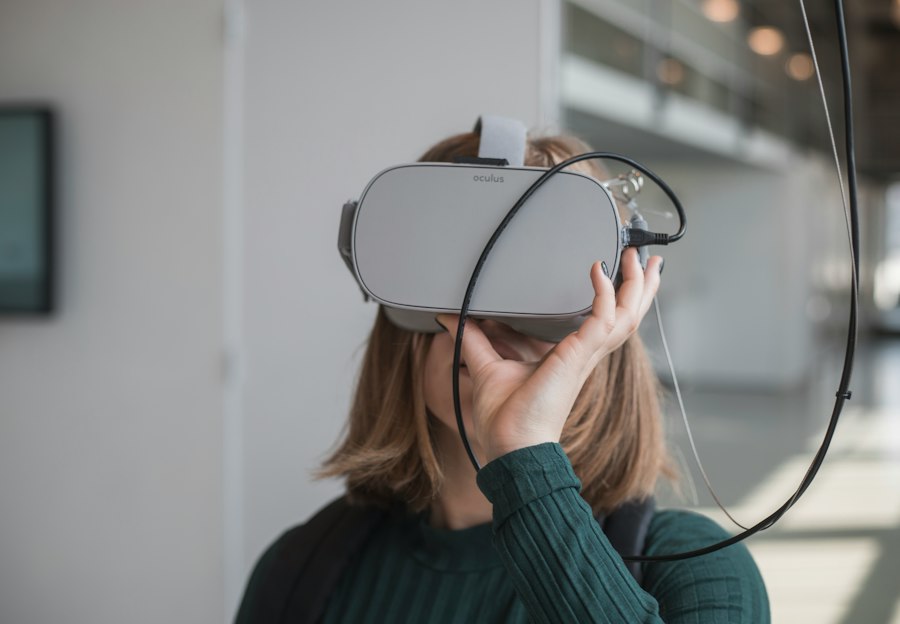
Since MitR attacks leverage physical proximity, a strong first line of defense involves robust physical security. This is often overlooked in traditional cybersecurity discussions but is paramount for MR headsets. Think of it as securing any other valuable piece of hardware, but with extra considerations due to its personal and data-rich nature.
Secure Storage and Access Control
The simplest and often most effective strategy is to treat your MR headset like any other sensitive device. When not in use, it should be stored in a secure location. This means a locked drawer, cabinet, or even a designated, controlled-access room, especially in corporate or research environments.
Access control goes hand-in-hand with storage. Don’t leave your headset unattended in public or semi-public spaces. If you’re using it in an office, take it with you when you step away, even for a few minutes. In shared household settings, establish clear rules about who can access and use the device. The goal is to minimize the windows of opportunity for an unauthorized person to get their hands on it.
User Authentication and Biometrics
Modern MR headsets are increasingly incorporating advanced authentication methods, and it’s crucial to utilize them fully. This goes beyond a simple PIN or pattern, which can be easily observed over your shoulder.
Strong passwords or PINs are a baseline. Choose complex, unique passwords, and ensure your PIN isn’t something easily guessable like “0000” or your birthday.
Avoid writing them down or sharing them.
Biometric authentication is a game-changer for MitR mitigation. Features like fingerprint scanners, facial recognition, or even eye-tracking for user verification make it significantly harder for an unauthorized person to unlock the device without your explicit consent or presence. If your headset offers these options, enable them. They provide a quick and convenient way to secure the device without relying solely on memorized credentials. However, be aware of the limitations; some biometrics can still be bypassed with advanced techniques, so they should be part of a layered defense.
Minimizing Unattended Operation
This might sound obvious, but it’s often where compromises happen. Avoid leaving your headset powered on and unlocked when you’re not actively using it. Even if you step away “just for a second,” that’s enough time for a quick data grab or setting change by a nearby attacker.
Configure your headset to automatically lock or enter a sleep state after a very short period of inactivity. Many devices offer adjustable timers for this. The shorter the duration, the less opportunity for an attack. When you’re done using the headset, power it off completely or ensure it’s securely locked away. This eliminates any potential for remote manipulation or local access while you’re absent.
Software and Configuration Best Practices
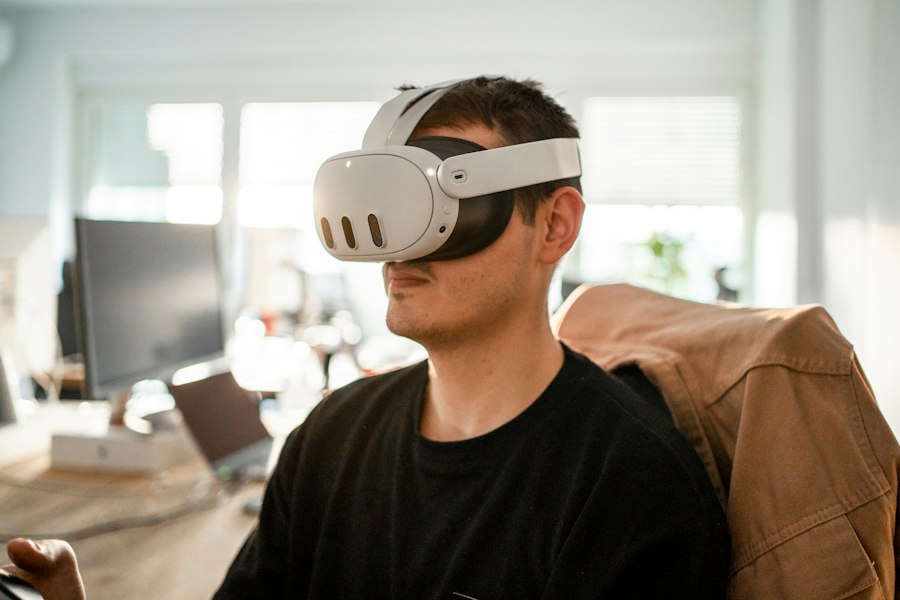
Beyond physical safeguards, the way you configure and maintain your headset’s software plays a critical role in fending off MitR attacks. This is where you limit the attack surface and control what the device can do and share.
Robust Authentication and Session Management
We touched on user authentication for device unlocking, but it extends to in-session security as well. Ensure that your headset requires re-authentication after a period of inactivity or before accessing sensitive applications or settings.
Multi-factor authentication (MFA), if available, should be enabled.
This adds an extra layer of security, often requiring a code from your phone in addition to your password or biometric. Even if an attacker somehow bypasses the initial device lock, they’d still face this additional hurdle for sensitive operations.
Session management is also key. Configure applications to log out automatically after a certain idle time.
This prevents an attacker from simply picking up an active headset and immediately gaining access to your accounts or data within running apps.
Minimizing Data Collection and Sharing
MR headsets are data-hungry devices. They collect vast amounts of information about you and your environment. To mitigate MitR risks, be judicious about what you allow them to collect and share.
Review privacy settings regularly. Go through every setting related to cameras, microphones, spatial mapping, eye-tracking, and data analytics.
Disable anything you don’t absolutely need for your intended use. For example, if you don’t use spatial anchor sharing for collaborative experiences, turn it off.
Be cautious with third-party applications. Every app you install increases the potential attack surface. Only download applications from trusted sources and carefully review the permissions they request during installation.
Does that game really need access to your microphone and external camera feeds? If not, deny those permissions. Understand that an attacker who compromises an app could then leverage its granted permissions against you.
Regular Software Updates and Patches
This is a fundamental cybersecurity practice for any device, and MR headsets are no exception.
Software vulnerabilities are constantly being discovered, and manufacturers release updates to patch these flaws.
Enable automatic updates whenever possible. If not, make a habit of regularly checking for and installing the latest firmware and software updates. An unpatched vulnerability could be exploited by an attacker with physical access to gain deeper control over your device, even bypassing seemingly robust security measures.
Keep your operating system, applications, and any development tools up-to-date.
Network Configuration and VPNs
While MitR attacks focus on physical proximity, network settings can still be leveraged by an attacker in the room.
Secure Wi-Fi networks: Always connect your headset to secure, password-protected Wi-Fi networks. Avoid open or public Wi-Fi where an attacker could easily intercept your traffic or set up a rogue access point.
Firewall settings: Understand and configure any firewall settings available on your headset. Limit incoming connections to only those that are absolutely necessary.
VPN usage: For sensitive activities, consider using a Virtual Private Network (VPN) on your headset if the functionality is supported.
A VPN encrypts your network traffic, making it much harder for an attacker on the same local network to snoop on your data or reroute your connections. This adds a layer of protection even if they gain some level of network access.
Advanced Defensive Strategies
For those with higher security needs or in environments where MitR attacks are a significant concern, some more advanced strategies can be employed. These often require a deeper understanding of the technology or specific tools.
Device Hardening and Least Privilege
Device hardening involves configuring your headset to be as secure as possible by disabling unnecessary services, ports, and features. Every active service is a potential entry point for an attacker.
Disable developer modes: Unless you are actively developing for the device, disable any “developer mode” or “USB debugging” features. These often grant elevated permissions and easier access to the device’s internal workings, which an attacker could exploit.
Principle of Least Privilege: This means giving applications and users only the minimum permissions necessary to perform their tasks. Regularly review application permissions and revoke anything that seems excessive or unnecessary. If an app doesn’t need camera access, don’t grant it. This limits the damage an attacker can do even if they manage to compromise a specific application.
Tamper Detection and Auditing
Detecting when someone has physically tampered with your device is challenging but not impossible.
Physical tamper-evident seals: For organizations, applying tamper-evident seals to the headset’s ports or casing can provide a visual indication if someone has attempted to open or connect unauthorized devices. While not foolproof, it serves as a deterrent and an alert.
Logging and auditing: Many headsets and their operating systems keep logs of various activities, such as login attempts, app installations, and setting changes. While these logs might not be easily accessible to the average user, in enterprise settings, centralizing and analyzing these logs can help detect suspicious activities. For example, repeated failed login attempts or unexpected app installations could signal an attempted MitR attack. Regularly review these logs if you have the capability.
Secure Boot and Firmware Integrity
Secure boot is a security feature that ensures only trusted software (including the operating system and drivers) is loaded during the device’s startup process. It helps prevent malicious software from being injected early in the boot sequence.
Verify secure boot is enabled: If your headset offers secure boot, ensure it is enabled. This prevents an attacker from installing malicious bootloaders or firmware that could compromise the entire device even before the main operating system loads.
Firmware integrity checks: Some enterprise-grade MR devices might offer mechanisms to verify the integrity of the installed firmware. This ensures that the firmware hasn’t been altered or replaced with a malicious version. While less common for consumer devices, it’s a critical feature for high-security applications.
Environmental Controls and Faraday Cages
For extremely sensitive applications, particularly in research or defense, more extreme measures might be considered to control the environment around the headset.
Dedicated secure rooms: Operating MR headsets within physically secure rooms with restricted access, surveillance, and electromagnetic shielding can reduce the risk of MitR attacks.
Faraday cages: In scenarios where RF or electromagnetic eavesdropping is a concern, operating the headset within a Faraday cage can prevent wireless signals from leaving or entering the area, effectively isolating the device from external wireless attacks or data exfiltration attempts. This is an extreme measure but relevant for specific high-security contexts where even subtle emanations are a concern.
In the evolving landscape of cybersecurity, particularly with the rise of mixed reality headsets, understanding the implications of various attack vectors is crucial. A related article discusses how software solutions can enhance workflow efficiency and accuracy, which is essential for professionals navigating complex environments. For those interested in exploring tools that can help streamline operations while maintaining security, this article on