

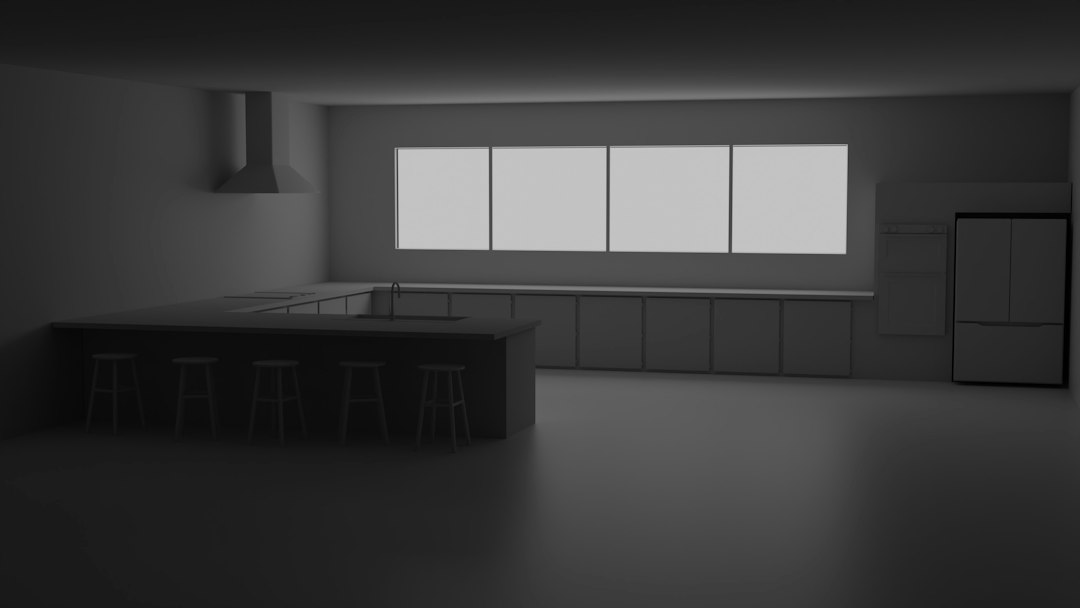
Augmented Reality (AR) has come a long way, but truly blending virtual objects into the real world, making them indistinguishable from their surroundings, remains a significant challenge. The secret sauce to achieving this photorealistic integration largely boils down to two critical elements: dynamic lighting and real-time occlusion. Without these, your virtual objects will always look like they’re floating on top of the real scene, lacking the crucial visual cues that ground them in reality. This article dives into the practicalities of how these technologies work together to make your AR experiences truly believable.
The Foundation of Realistic AR: Lighting’s Role
When we talk about making a virtual object look real in a real environment, the first thing our brains subconsciously analyze is how light interacts with it. If the virtual object isn’t lit in the same way as its surroundings, it immediately breaks the illusion. Dynamic lighting in AR isn’t just about making things brighter or darker; it’s about replicating the complex interplay of light sources, shadows, and reflections that define our perception of reality.
Understanding Environmental Lighting
Before we can light a virtual object, we need to understand the real-world lighting conditions. This isn’t a trivial task. Our environments are rarely lit by a single, perfectly uniform light source. Instead, we have a mix of direct sunlight, diffused ambient light, reflections from surfaces, and often multiple artificial light sources. Capturing this complexity is paramount.
Capturing High Dynamic Range (HDR) Environmental Data
One of the most effective ways to capture real-world lighting is through High Dynamic Range (HDR) imaging. Unlike standard images, HDR images store a much wider range of light intensities, from the deepest shadows to the brightest highlights. This is crucial because a conventional image would clip or lose detail in either extreme, making it impossible to accurately reconstruct the lighting environment.
The most common approach involves capturing a spherical panoramic image, often called an environment map or skybox. This image, typically in an HDR format like OpenEXR or Radiance RGBE, essentially wraps the entire surrounding light information around the virtual scene. When you place a virtual object within this environment, the lighting engine can sample light from different directions on this map to accurately illuminate the object. Tools like specific camera rigs, specialized lenses, and even software-based reconstruction from multiple standard photos can help create these HDR panoramas.
Estimating Light Sources and Their Properties
While a full HDR environment map is ideal, it can be computationally intensive and isn’t always feasible in real-time on mobile AR devices. A more lightweight approach involves estimating the properties of dominant light sources in the scene. This often means identifying the direction, color, and intensity of a primary directional light (like the sun) and a general ambient light component.
Modern AR SDKs, like ARKit and ARCore, provide capabilities for light estimation.
They analyze the camera feed to approximate the scene’s ambient intensity and color, and sometimes even the direction of a dominant light source. While not as detailed as an HDR map, this provides a good starting point for basic illumination, allowing the virtual object to broadly match the brightness and color cast of its surroundings.
Applying Lighting to Virtual Objects
Once we have an understanding of the environmental lighting, the next step is to apply it convincingly to our virtual objects. This involves several rendering techniques that mimic how light interacts with materials in the real world.
Physically Based Rendering (PBR)
Physically Based Rendering (PBR) is the cornerstone of achieving realistic materials in computer graphics, and it’s essential for AR. PBR workflows simulate the physical properties of light interaction with surfaces based on real-world physics. Instead of simply guessing how a material should look, PBR uses parameters like roughness, metallicness, albedo (base color), and normal maps to accurately represent how light reflects and absorbs from a surface.
For example, a rougher surface will scatter light more broadly, appearing more diffused, while a smoother, metallic surface will have sharper, more defined reflections. By using PBR materials, the virtual object will react to the captured environmental lighting in a physically plausible way, leading to much more convincing integration.
Real-time Shadows
Shadows are perhaps the most critical visual cue for grounding an object in an environment. Without shadows, an object will always look like it’s floating. Dynamic shadows in AR mean that the virtual object casts shadows onto the real environment, and crucially, that real-world objects can cast shadows onto the virtual object (though this is a more advanced occlusion topic).
To cast shadows from a virtual object onto the real world, the AR system needs to:
- Determine Light Direction: Use the estimated environmental light direction (or a more precise direction from an HDR map).
- Render Shadow Map: Render the virtual object from the perspective of the light source into a shadow map. This map stores depth information, indicating what parts of the scene are visible from the light.
- Project Shadows: During the final rendering pass of the real-world scene, use the shadow map to determine which areas should be darkened. This often involves placing a virtual plane (shadow catcher) on the detected real-world surface where the shadow should fall, and then rendering the shadow onto that plane.
The quality of these shadows—their softness, color, and accuracy—significantly impacts the realism. Soft shadows, for instance, are more challenging to render in real-time but are crucial for objects under diffuse light or far from the light source.
In exploring the advancements in augmented reality, particularly in the realm of dynamic lighting and real-time occlusion for achieving photorealistic object blending, it is also beneficial to consider the broader implications of technology in marketing. A related article that delves into the intersection of technology and business strategies is available at How to Start Affiliate Marketing in 2023. This resource provides insights into leveraging modern digital tools and techniques, which can enhance the effectiveness of AR applications in marketing campaigns.
Key Takeaways
- The training data includes information and events up to October 2023.
- Insights and knowledge are based on a wide range of sources available until the cutoff date.
- No updates or developments occurring after October 2023 are included in the training.
- Users should verify current information from reliable sources for the latest updates.
- The model’s responses reflect the context and knowledge available up to the specified date.
Real-Time Occlusion: The Art of Hiding and Revealing
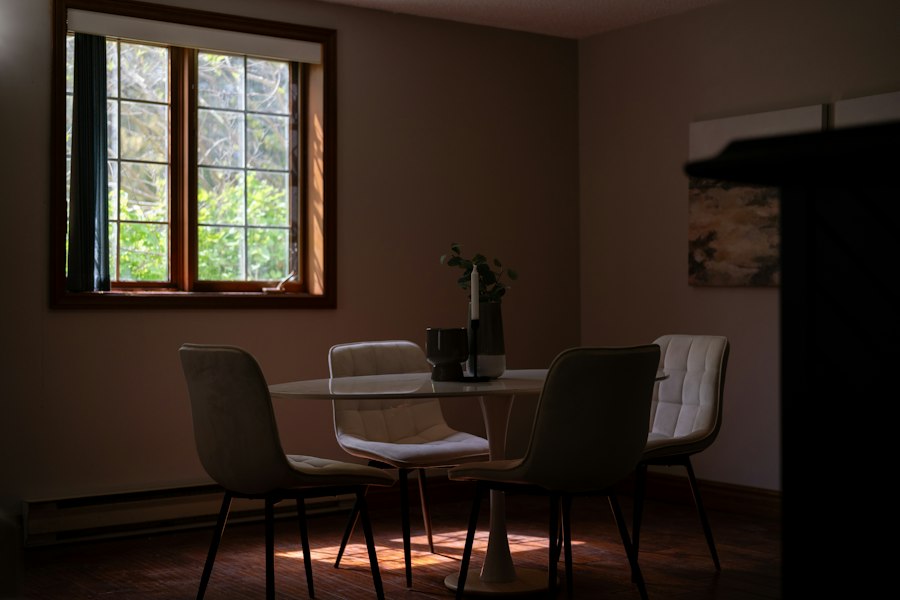
While lighting makes a virtual object look like it belongs, occlusion is what makes it physically interact with the real world. Occlusion is the phenomenon where one object blocks the view of another. In AR, this means real-world objects should obscure parts of your virtual content, and vice-versa. Without proper occlusion, a virtual car placed behind a real-world tree would still appear fully visible, instantly breaking the illusion.
Understanding the Occlusion Challenge
The core challenge of real-time occlusion in AR is that the system only “knows” about the virtual objects it renders. It doesn’t inherently understand the 3D geometry of the real world around it. To enable occlusion, the AR system needs to build some form of understanding of the real-world scene’s depth and geometry.
Depth-Based Occlusion
The most common and effective approach to real-time occlusion relies on depth information of the real world. If the AR system knows how far away real-world pixels are from the camera, it can then compare that depth to the depth of the virtual object’s pixels.
Depth API and Scene Reconstruction
Modern AR devices and SDKs are increasingly incorporating depth sensing capabilities.
LiDAR sensors, common in newer iPhones and iPads, provide highly accurate real-time depth maps of the environment.
These depth maps essentially give each pixel in the camera’s view a distance value.
AR SDKs like ARKit’s Scene Geometry API leverage this data. They can reconstruct a mesh representation of the environment, giving the AR system a rough 3D model of the real world. This mesh can then be used for occlusion. When rendering the virtual object, the renderer can compare the depth of the virtual object’s pixels to the depth of the real-world mesh. If a real-world mesh pixel is closer to the camera than a virtual object pixel, that virtual pixel should be hidden.
Semantic Segmentation for Occlusion
While a full 3D mesh is ideal, it’s computationally intensive. Another approach gaining traction is semantic segmentation. This involves using machine learning models to identify and classify different objects in the camera feed (e.g., “person,” “floor,” “wall”).
If the system can identify a “person” in the image, it can then create a mask around that person. This mask can be used as an “occluder.” Any virtual content that falls within the boundaries of this mask, and is determined to be behind the person (often using a simpler depth estimation or fixed assumptions), can then be hidden. This is particularly useful for subject occlusion, where a person walks in front of a virtual object. ARCore’s Depth API also incorporates semantic segmentation for person occlusion.
Rendering Techniques for Occlusion
Once the depth or segmentation information is available, specific rendering techniques are employed to achieve the desired occlusion effect.
The Occlusion Mesh/Mask
When using depth information or scene reconstruction, the AR system essentially creates an invisible “occlusion mesh” that represents the real world. This mesh is rendered before the virtual objects, but it only writes to the depth buffer, not to the color buffer. This means it doesn’t appear on screen, but it fills the depth buffer with the real-world depth information.
Then, when the virtual object is rendered, the standard depth test in the graphics pipeline compares the virtual object’s pixel depth to the depth already in the depth buffer. If the real-world depth is closer, the virtual pixel fails the depth test and is not rendered, effectively being occluded by the real-world object.
Stencil Buffers for Precise Masking
For more complex or specific occlusion scenarios, especially those involving transparent objects or when precise masking is needed (like a virtual object peeking out from behind a corner), stencil buffers can be used in conjunction with depth buffers.
A stencil buffer allows you to mark specific pixels with a value. You can render an occluding object (either a real-world mask or a virtual object) into the stencil buffer, setting specific stencil values. Then, when rendering other objects, you can configure the stencil test to only render pixels where the stencil value meets certain criteria. This provides more granular control over which pixels are drawn and which are masked.
Self-Occlusion (Virtual Objects Occluding Each Other)
While the focus is often on real-world occlusion, it’s equally important for virtual objects to occlude each other. If you place a virtual table and then a virtual vase on top of it, the table should correctly occlude the part of the vase that rests inside it. This is handled by the standard depth testing in the 3D rendering pipeline: objects closer to the camera automatically obscure objects further away. Ensuring your virtual objects have correct 3D geometry is key here.
Combining Lighting and Occlusion for Photorealism
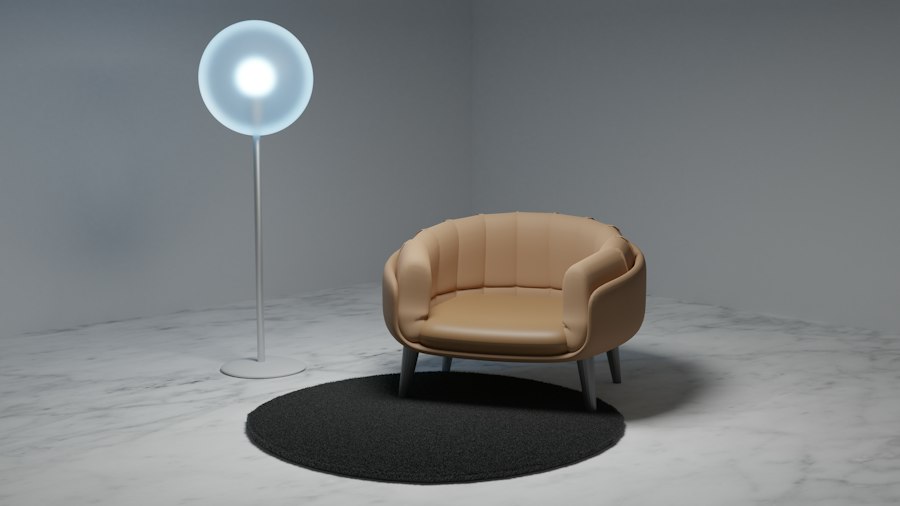
The magic truly happens when dynamic lighting and real-time occlusion work hand-in-hand. They are two sides of the same coin when it comes to integrating virtual content.
Imagine a virtual lamp placed on a real-world table.
- Dynamic Lighting: The lamp’s material reacts to the ambient light, the direct sunlight coming from a window, and the color cast from nearby walls. It casts a soft shadow on the table surface, and perhaps a subtle reflection on the polished table.
If the real light source changes (e.g., a cloud passes by), the virtual lamp’s illumination and shadow subtly adjust.
- Real-time Occlusion: If you walk in front of the lamp, your body correctly hides parts of it. If a real-world book is placed in front of the lamp, it also occludes the virtual object. If the lamp itself emits light, it could even illuminate nearby real-world surfaces (though this is an advanced effect known as “light estimation and redirection“).
Without both, the illusion crumbles.
A perfectly lit object that floats above the real world due to lack of shadows or occlusion is unconvincing. Similarly, an object that correctly occludes but is lit inconsistently with its environment still looks out of place.
The Feedback Loop: Lighting Influencing Occlusion
In advanced scenarios, there’s even a feedback loop. Accurate lighting helps inform better depth estimation, especially when active depth sensors aren’t available.
By understanding how light falls on surfaces, algorithms can infer surface normals and relative depths, which in turn can refine occlusion masks or environmental meshes. Conversely, knowing the geometry of the environment (through occlusion) provides better surfaces for shadows to fall upon and for light to reflect from.
The Performance Imperative and Future Directions
Achieving photorealistic AR blending in real-time on mobile devices is a continuous balancing act between visual fidelity and computational performance. Each additional layer of realism—more complex lighting models, higher-resolution depth maps, more detailed scene meshes, softer shadows—comes with a performance cost.
Optimizing for Mobile AR
Developers constantly employ various optimization techniques:
- LOD (Level of Detail): Using simpler models and textures for objects further away.
- Baked Lighting: Pre-calculating some lighting information if the environment is relatively static, reducing real-time computation.
- Simplified Shadow Maps: Using lower resolution shadow maps or cascaded shadow maps for directional lights.
- Approximation Algorithms: Using less precise but faster algorithms for light estimation and depth reconstruction.
- Hardware Acceleration: Leveraging dedicated AR processing units (e.g., Apple’s Neural Engine, Google’s Pixel Visual Core) for computationally intensive tasks like machine learning-based segmentation or depth processing.
The Horizon of AR Blending
The future of AR blending is exciting, driven by advancements in:
- Pervasive Depth Sensing: As more devices incorporate LiDAR and other depth sensors, real-time, high-fidelity depth maps will become standard, simplifying occlusion significantly.
- Advanced AI/ML: Machine learning models will continue to improve in real-time scene understanding, not just identifying objects but also inferring their physical properties, textures, and even lighting interactions. This will lead to more intelligent light estimation and semantic occlusion.
- Neural Rendering: Emerging techniques in neural rendering could eventually allow for synthesizing realistic interactions with the real world without explicit 3D models or light probes, learning directly from camera data.
- Reflectance and Refraction: Beyond shadows, realistic reflections on glossy real-world surfaces and correct refractions through transparent virtual objects are the next frontiers for truly immersive blending.
In the realm of augmented reality, achieving photorealistic object blending is crucial for creating immersive experiences, and a related article discusses the best software for 3D animation that can enhance these capabilities. By utilizing advanced tools and techniques, developers can improve dynamic lighting and real-time occlusion, which are essential for seamless integration of virtual objects into real-world environments. For those interested in exploring the software options available, you can find more information in this insightful piece on 3D animation software.
Practical Steps for Developers
| Metric | Description | Value / Range | Unit |
|---|---|---|---|
| Frame Rate | Rendering speed of AR scene with dynamic lighting and occlusion | 30 – 60 | FPS |
| Light Source Count | Number of dynamic light sources affecting AR objects | 1 – 5 | Count |
| Occlusion Accuracy | Percentage accuracy of real-time occlusion between virtual and real objects | 85 – 95 | % |
| Rendering Latency | Time delay between sensor input and rendered output | 10 – 30 | ms |
| Light Estimation Error | Deviation between estimated and actual real-world lighting conditions | 0.05 – 0.15 | Lux |
| Shadow Softness | Degree of shadow edge blur for realistic blending | 0.2 – 0.8 | Normalized (0-1) |
| GPU Utilization | Percentage of GPU resources used during rendering | 40 – 75 | % |
| Memory Usage | Amount of memory consumed for dynamic lighting and occlusion processing | 150 – 300 | MB |
For developers looking to push the boundaries of AR realism, here are some practical takeaways:
- Prioritize Grounding: Always start with good lighting and accurate shadows. An object that is correctly shadowed and grounded will look more real than a perfectly textured but ungrounded one.
- Leverage SDK Capabilities: Make full use of the lighting estimation and depth APIs provided by ARKit and ARCore. These are constantly improving.
- Embrace PBR Workflows: Ensure your 3D assets are built with Physically Based Rendering in mind. Use consistent texture maps for albedo, metallic, roughness, and normal.
- Test in Diverse Environments: Lighting and occlusion vary dramatically across different real-world settings. Test your AR experiences in bright sunlight, indoors with artificial lights, and in dim conditions to ensure robustness.
- Performance Profiling: Continuously monitor the performance of your AR application. Excessive computational load will lead to a choppy experience, negating any visual realism gains. Optimize ruthlessly.
- Iterate and Refine: Achieving photorealism is an iterative process. Start with simpler implementations and gradually add complexity (e.g., softer shadows, more detailed environmental reflections) as performance allows.
By focusing on these principles, and continuously adapting to new hardware and software capabilities, developers can push the boundaries of what’s possible in AR, making virtual objects truly indistinguishable from their real-world counterparts. The journey to photorealistic AR is challenging, but with dynamic lighting and real-time occlusion as our guides, the future looks incredibly bright and seamlessly blended.
FAQs
What is dynamic lighting in augmented reality (AR)?
Dynamic lighting in augmented reality refers to the ability to simulate realistic lighting conditions that change in real-time based on the environment and the position of virtual objects. This technique enhances the visual integration of AR objects with the real world by adjusting shadows, highlights, and reflections according to the light sources present in the user’s surroundings.
How does real-time occlusion improve AR experiences?
Real-time occlusion improves AR experiences by allowing virtual objects to interact with real-world elements in a believable manner. This means that when a user views an AR object, it can appear to be blocked or obscured by real objects in the environment, creating a more immersive and realistic experience. This is achieved through advanced computer vision techniques that analyze the scene and determine the visibility of virtual elements.
What technologies are used to achieve photorealistic blending of AR objects?
Technologies used to achieve photorealistic blending of AR objects include advanced rendering techniques, such as ray tracing and global illumination, as well as machine learning algorithms for scene understanding. Additionally, depth sensors and cameras are employed to capture the environment’s geometry and lighting conditions, allowing for accurate placement and interaction of virtual objects.
Why is photorealism important in augmented reality applications?
Photorealism is important in augmented reality applications because it enhances user engagement and trust in the AR experience. When virtual objects convincingly blend with the real world, users are more likely to accept and interact with them, leading to improved usability in applications such as gaming, education, and retail. High-quality visuals can also facilitate better communication of information and ideas.
What challenges are associated with implementing dynamic lighting and occlusion in AR?
Challenges associated with implementing dynamic lighting and occlusion in AR include the need for high computational power to process real-time data, ensuring accurate scene understanding, and maintaining performance on mobile devices. Additionally, achieving consistent lighting and occlusion effects across various environments and lighting conditions can be complex, requiring sophisticated algorithms and optimization techniques.
Enjoying our content? Make us a preferred source on Google:
Add us as a Preferred Source on Google