

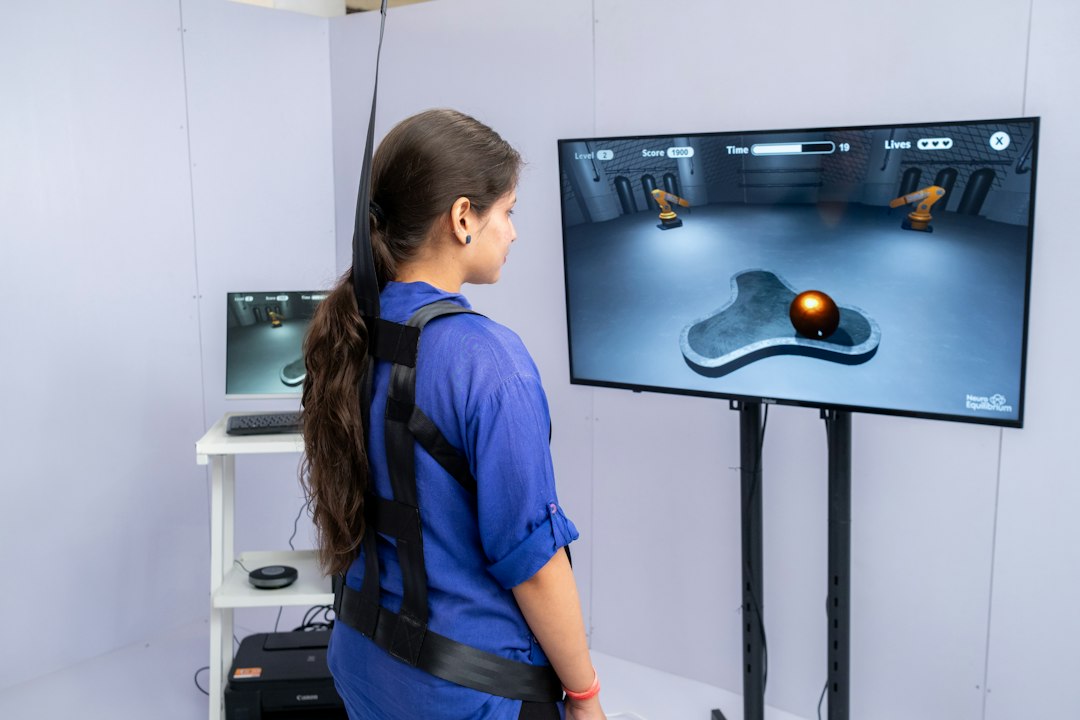
So, how do we tackle motion sickness when zipping around virtual worlds, especially in those intense action games? The short answer is through clever locomotion mechanics that trick our brains into accepting what our eyes see, even when our bodies aren’t moving. It’s all about bridging the gap between our visual and vestibular systems. Let’s dive into some of the most effective strategies developers are using to make fast-paced VR experiences enjoyable without the queasy feeling.
Understanding the Simulation Sickness Challenge
Before we get into the solutions, it’s helpful to understand why VR motion sickness happens. It’s primarily a sensory conflict. Your eyes see movement – you’re running, flying, or dodging bullets in VR – but your inner ear, which detects balance and motion, isn’t feeling any of that movement. This disconnect sends conflicting signals to your brain, which often interprets it as a poison or toxin, leading to nausea, dizziness, and disorientation. Think about reading in a moving car; your eyes are still, but your body feels movement. VR is the opposite: your eyes see movement, but your body is still.
Fast-paced action games amplify this conflict because the perceived motion is more intense and less predictable.
The Role of Vestibular-Ocular Conflict
This sensory mismatch is formally known as vestibular-ocular conflict. Your vestibular system, located in your inner ear, tells your brain about your head’s position and movement. Your ocular system, your eyes, provides visual information about the world around you. When these two systems disagree, as they often do in traditional VR locomotion, your brain gets confused. In action games, rapid changes in direction, acceleration, and deceleration can exacerbate this conflict, making it a significant hurdle for immersion and prolonged play. The goal of effective locomotion mechanics is to minimize or eliminate this conflict as much as possible, or at least to present it in a way that the brain can more easily accept.
Factors Intensifying Sickness in Action Games
Several elements common in fast-paced action games can worsen simulation sickness.
High speeds are an obvious culprit, as they make the visual flow of movement more pronounced.
Sudden changes in velocity or direction, like quick turns, strafing, or dodging, are particularly problematic because they create sharp, unpredictable visual shifts without corresponding physical sensations. Furthermore, a narrow field of view or inconsistent frame rates can also contribute, as they degrade the quality of the visual input, making it harder for the brain to reconcile with the lack of physical motion. Ultimately, the more your brain feels like it’s being lied to, the higher the chance of discomfort.
In exploring the challenges of virtual reality locomotion mechanics, particularly in fast-paced action games, it is interesting to consider how user experience can be influenced by design decisions. A related article that delves into the impact of user engagement and interface design is titled “What We Can Learn from Instagram’s Founders’ Return to the Social Media Scene.” This piece highlights the importance of understanding user behavior and preferences, which can also apply to the development of VR environments to minimize simulation sickness. For more insights, you can read the article here: What We Can Learn from Instagram’s Founders’ Return to the Social Media Scene.
Key Takeaways
- The training data includes information and events up to October 2023.
- Insights and knowledge are based on a wide range of sources available until the cutoff date.
- No updates or developments occurring after October 2023 are included in the training.
- Users should verify current information from reliable sources for the latest updates.
- The model’s responses reflect the context and knowledge available up to the specified date.
Artificial Locomotion Techniques and Their Mitigation Strategies
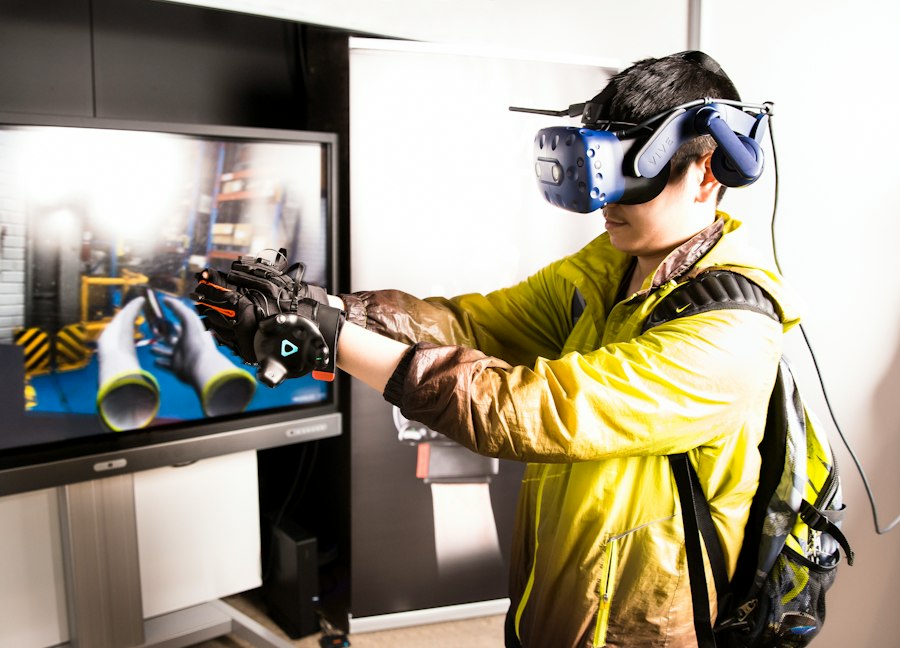
Artificial locomotion, where players move through the virtual world without physically moving in the real world, is the primary source of simulation sickness. However, developers have devised numerous clever techniques to make this experience more tolerable, if not entirely sickness-free, especially for action-oriented gameplay.
Teleportation and Dash Locomotion
Teleportation is arguably the most sickness-friendly artificial locomotion method. Instead of continuous movement, players point to a spot and instantly “teleport” there. This eliminates continuous visual flow and the associated vestibular-ocular conflict. While it might break immersion for some, it’s a very effective solution for sickness.
In action games, a variant called “dash locomotion” is often preferred. Instead of an instant jump, the player rapidly moves a short distance. This quick burst of movement still minimizes continuous flow but feels more dynamic than a pure teleport. Developers can also add visual cues during the dash, like a quick fade to black, a vignette effect, or speed lines, to further mask the brief period of intense visual change. The key here is that the movement is too quick for the brain to register the sustained mismatch, or the visual interruptions give the brain a “reset” before it can get too confused.
Continuous Smooth Locomotion with Comfort Options
Continuous smooth locomotion mimics traditional first-person movement, where you use a joystick or trackpad to move forward, backward, and strafe. This is often the most immersive but also the most prone to causing sickness. To mitigate this, developers implement several comfort options.
Vignette and Tunneling Effects
A common strategy is to use a dynamic vignette or “tunneling” effect. When the player moves, the edges of their vision darken or blur. This effectively narrows the field of view, reducing the amount of peripheral visual information that conflicts with the inner ear. Since peripheral vision is highly sensitive to motion, reducing its input can significantly lessen disorientation. The more intense the movement, the stronger the vignette can become. This subtle trick helps anchor the player’s perception to the center of their vision, which often remains stable relative to the world, thereby reducing the perceived overall motion.
Snap Turning and Smooth Turning Settings
Turning is a major sickness trigger. Smooth turning, where the view rotates continuously, can be very disorienting. Snap turning, where the view rotates in discrete increments (e.g., 30 or 45 degrees), provides a brief “reset” between turns, reducing the continuous visual flow. Offering both options, or allowing players to adjust the speed of smooth turning, is crucial. For fast-paced action, snap turning is often preferred as it allows for quick reorientation without prolonged visual rotation.
Limiting Acceleration and Deceleration
Sudden changes in speed are more nauseating than constant speed. Developers can smooth out acceleration and deceleration curves, making movement feel more gradual even when the player inputs quick commands. This reduces the jarring visual shifts that trigger discomfort. While action games thrive on quick reflexes, developers can fine-tune these curves to be responsive enough for gameplay without being overly aggressive on the player’s vestibular system.
Physical Locomotion and Hybrid Approaches
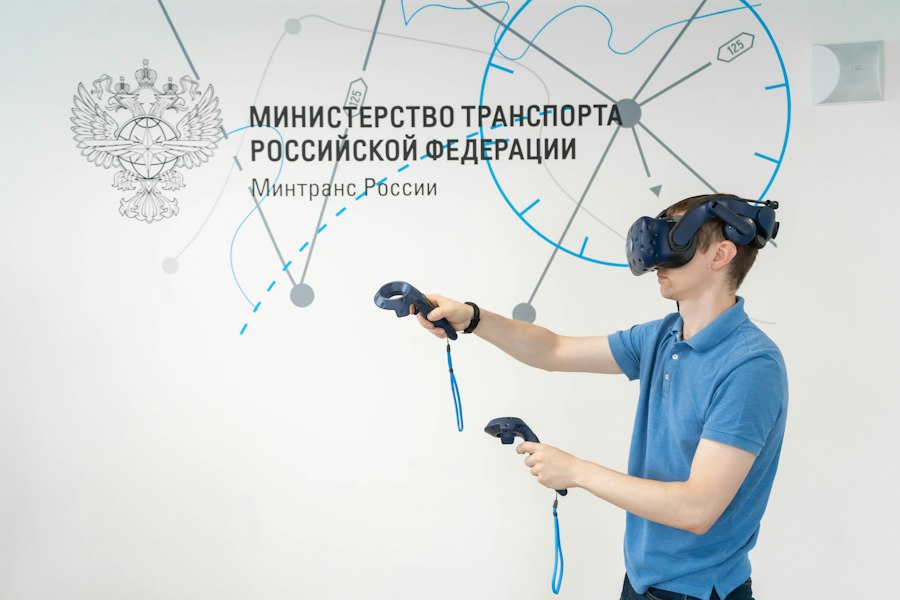
While artificial locomotion tackles the problem through software, physical locomotion methods attempt to align the virtual movement with actual physical movement, greatly reducing sensory conflict. Hybrid approaches combine the best of both worlds.
Room-Scale Movement
The simplest form of physical locomotion is room-scale VR, where players physically walk around their play space to move short distances in the virtual world. This is ideal for small movements, ducking behind cover, or strafing in action games.
When your body is actually moving, your inner ear gets the expected signals, eliminating sensory conflict for those movements. The challenge is that most action games require much more ground to be covered than a typical room-scale space allows.
Treadmills and Specialized Hardware
Specialized VR treadmills, like the Omni or Kat Walk, allow players to physically walk, run, or even crouch in place to move through the virtual world. These devices completely synchronize visual and physical movement, offering the most immersive and sickness-free locomotion.
However, they are expensive, bulky, and not practical for the average consumer, limiting their widespread adoption, especially for casual action game players.
Arm-Swinging and Body-Based Locomotion
Some games utilize arm-swinging mechanics, where players swing their arms as if running to move forward. This provides a physical cue that matches the visual movement, engaging proprioception (the sense of body position) to help trick the brain. Similarly, head-bobbing or leaning can be used for slight movements or to trigger acceleration.
These methods provide a degree of physical input without requiring a large play space or expensive hardware. They are particularly effective in games where movement isn’t constant, such as exploration or puzzle games, but can also supplement artificial locomotion in action titles.
Hybrid Locomotion Systems
Many fast-paced action games employ a hybrid approach. Players might use room-scale movement for small, tactical shifts, teleportation or dashing for larger movements, and continuous smooth locomotion with comfort options for general traversal.
This allows players to choose the most comfortable and effective method for different situations, maximizing both comfort and gameplay fluidity. For instance, a player might physically duck behind cover, then snap-turn to face an enemy, and finally dash to a new position.
Environmental and Design Considerations
Beyond direct locomotion mechanics, the overall game environment and design choices play a crucial role in mitigating simulation sickness, especially in high-octane action experiences. Thoughtful design can significantly reduce the cognitive load and sensory confusion.
Stable Reference Points and Visual Anchors
Providing stable visual reference points within the environment can greatly help. When the entire world seems to be spinning or moving, the brain struggles to orient itself. Having a consistent “cockpit” (even a minimalistic one), a static HUD element, or fixed environmental objects that don’t move relative to the player’s body can act as anchors. This helps the brain establish a consistent frame of reference, making perceived movement less disorienting. For example, in a vehicle-based action game, the interior of the vehicle itself serves as a strong reference point.
Predictable Movement and Anticipatory Cues
Unpredictable movement is a major sickness trigger. When movement is smooth and predictable, the brain can better anticipate the visual changes and adjust. Developers can incorporate visual cues that foreshadow movement, such as a slight lean before a turn or a visible charge-up before a dash. This allows the player’s brain a fraction of a second to prepare for the upcoming visual change, reducing the surprise element that often leads to disorientation. In action games, where movement can be chaotic, making the player’s own movement as predictable and controlled as possible is key.
Minimizing Artificial Camera Motion
Avoid artificial camera shakes, head bobs, or sudden forced viewpoint changes unless absolutely necessary and extremely brief. These effects, often used in traditional flat-screen games to convey impact or intensity, are highly problematic in VR. They introduce motion that the player’s head isn’t actually making, directly conflicting with the vestibular system and inducing sickness. Player-initiated movement should primarily drive camera motion.
Gradual Introduction and Player Choice
For new VR users, jumping straight into a fast-paced action game with aggressive locomotion can be a recipe for disaster. Developers can design tutorials or early game sections that gradually introduce different locomotion methods and comfort options. Allowing players to extensively customize their locomotion settings – from turning speed to vignette intensity – empowers them to find what works best for them, fostering a more inclusive and enjoyable experience. The more control players have over their comfort settings, the longer they’ll likely play without discomfort.
In exploring the challenges of virtual reality locomotion mechanics, particularly in fast-paced action games, one can gain valuable insights from a related article that discusses the best laptops for running demanding software like SolidWorks. This article highlights the importance of choosing the right hardware to ensure a seamless gaming experience, which is crucial for minimizing simulation sickness. For those interested in optimizing their gaming setup, the article can be found here: best laptops for SolidWorks.
Future Trends and Emerging Solutions
| Locomotion Mechanic | Description | Effectiveness in Reducing Simulation Sickness | Player Comfort Rating (1-10) | Common Use Cases |
|---|---|---|---|---|
| Teleportation | Instantly moves player to a targeted location without continuous motion | High | 9 | Fast-paced shooters, exploration games |
| Dash/Blink Movement | Short, quick bursts of movement with minimal visual flow | Moderate to High | 8 | Action games requiring quick repositioning |
| Smooth Locomotion with Vignette | Continuous movement with peripheral vision reduction to minimize discomfort | Moderate | 6 | Adventure and exploration games |
| Arm-Swinging Locomotion | Player mimics walking by swinging arms to move forward | Moderate | 7 | Fitness and immersive walking simulations |
| Vehicle-Based Movement | Player moves inside a virtual vehicle to reduce motion sickness | High | 8 | Racing and flying games |
| Incremental Rotation | Rotates player view in fixed angle increments to reduce dizziness | High | 8 | Fast-paced action and puzzle games |
The field of VR locomotion is constantly evolving, with researchers and developers exploring new avenues to enhance immersion while battling simulation sickness. The goal is always to reduce the sensory conflict in novel and effective ways, particularly for the demanding environment of fast-paced action games.
Eye-Tracking Integration
Eye-tracking technology, becoming more common in high-end VR headsets, offers exciting possibilities. By knowing where a player is looking, developers could dynamically adjust comfort settings. For instance, a vignette could be made less intrusive if the player is focusing intently on the center of the screen, or strengthened during rapid peripheral motion if the player’s gaze is fixed elsewhere. It could also potentially inform subtle locomotion adjustments, like slightly slowing down movement when the player’s eyes are scanning rapidly, thus reducing the visual flow when it’s most likely to cause sickness.
Foveated Rendering and Dynamic Resolution Scaling
While not directly a locomotion mechanic, foveated rendering (rendering only the area a player is looking at in high detail) and dynamic resolution scaling can indirectly aid comfort. By ensuring consistently high frame rates, even during intense action, these technologies provide a smoother, more stable visual experience. A stable frame rate is paramount for preventing motion sickness, as stuttering or drops exacerbate the visual-vestibular mismatch. In fast-paced games, maintaining visual fidelity and fluidity during rapid movement is critical.
Haptic Feedback and Proprioceptive Cues
Advanced haptic feedback, extending beyond simple controller vibrations, could provide additional proprioceptive cues. Imagine haptic vests that simulate wind resistance when running, or foot-based haptics that mimic impacts. These subtle physical sensations could further align with the visual movement, helping to trick the brain into believing it’s actually moving. Even simple haptics, like controller vibrations timed with footfalls, can add to the feeling of physical engagement and reduce sensory conflict.
Neural Interfaces and Brain-Computer Integration
Further down the line, neural interfaces or brain-computer interfaces (BCIs) could revolutionize locomotion. While still largely experimental, the idea is to directly interpret a user’s intent to move, bypassing physical controllers and potentially even visual input. If the brain directly signals movement, the sensory conflict might be entirely circumvented as the brain itself initiates and perceives the action simultaneously. This is highly speculative for consumer VR, but it represents the ultimate convergence of intent and virtual action, potentially eliminating simulation sickness entirely.
Ultimately, overcoming simulation sickness in fast-paced VR action games is an ongoing challenge that requires a multi-faceted approach. By combining clever artificial locomotion techniques with thoughtful comfort options, optimizing environmental design, and exploring cutting-edge technologies, developers are continuously striving to create immersive, exhilarating, and most importantly, comfortable virtual experiences for everyone.
FAQs
What is simulation sickness in virtual reality?
Simulation sickness, often referred to as motion sickness, occurs when there is a disconnect between visual motion cues and the body’s sense of movement. In virtual reality, this can happen when users experience rapid movement in the game while their body remains stationary, leading to symptoms such as dizziness, nausea, and disorientation.
What are common locomotion mechanics used in VR games?
Common locomotion mechanics in VR games include teleportation, walking in place, and smooth locomotion. Teleportation allows players to jump from one point to another, minimizing motion sickness. Walking in place uses the player’s physical movements to navigate the virtual environment, while smooth locomotion involves continuous movement, which can sometimes trigger simulation sickness if not implemented carefully.
How can developers reduce simulation sickness in fast-paced action games?
Developers can reduce simulation sickness by implementing techniques such as limiting the speed of movement, providing a stable frame rate, using visual cues to enhance immersion, and incorporating comfort settings that allow players to adjust their locomotion preferences. Additionally, designing environments that minimize abrupt changes in direction can help alleviate symptoms.
What role does user comfort play in VR locomotion mechanics?
User comfort is crucial in VR locomotion mechanics as it directly impacts the player’s experience and enjoyment. By prioritizing comfort, developers can create more engaging and accessible games. This includes offering options for different locomotion styles, allowing players to customize their settings, and providing breaks or safe zones to help manage discomfort.
Are there specific VR hardware considerations to mitigate simulation sickness?
Yes, specific VR hardware considerations include using headsets with high refresh rates and low latency to ensure smooth visuals, as well as incorporating motion tracking systems that accurately reflect the player’s movements. Additionally, ergonomic designs that reduce strain on the user can enhance comfort and help mitigate the effects of simulation sickness.
Enjoying our content? Make us a preferred source on Google:
Add us as a Preferred Source on Google