

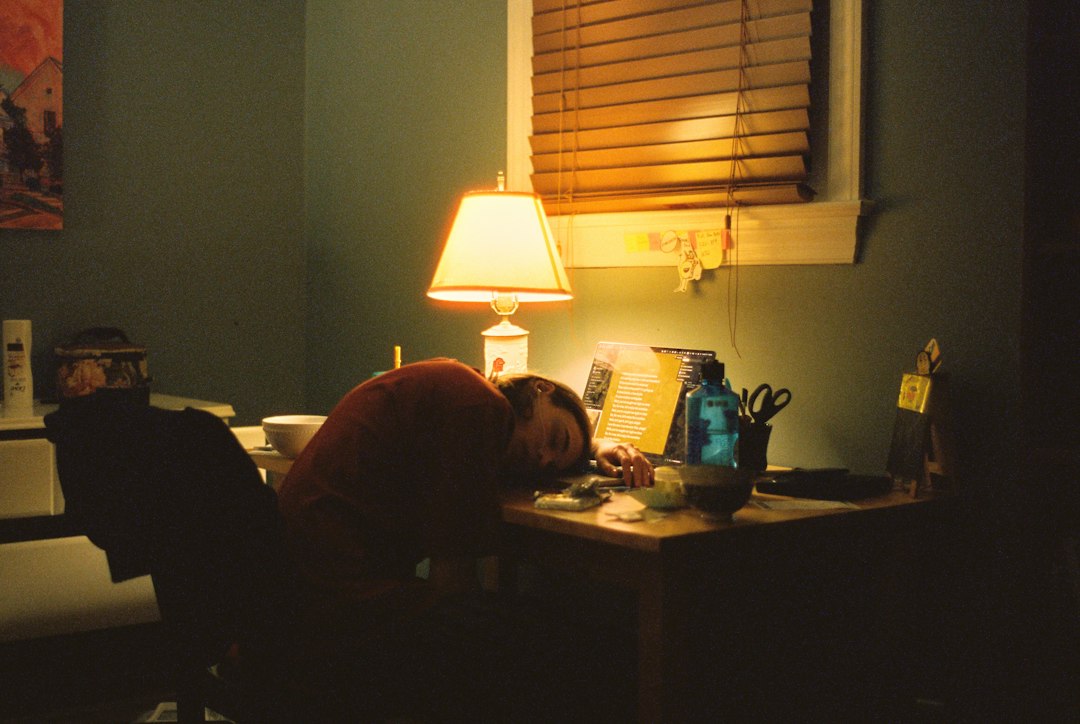
Tuning your workspace lighting to mimic natural light cycles, known as circadian rhythm lighting, can significantly cut down on eye strain. It’s not just about making things brighter or dimmer; it’s about shifting color temperature and intensity throughout the day to support your body’s natural clock. This approach helps your eyes feel less fatigued by providing light that feels more aligned with what they expect, rather than a constant, often harsh, artificial glow. Let’s dig into how you can set this up effectively.
Understanding Your Body Clock and Light
Our bodies are pretty smart. They have an internal clock, our circadian rhythm, that dictates things like when we feel sleepy, when we’re most alert, and even when our metabolism is most active. This clock is heavily influenced by light, particularly its intensity and color temperature. Think about how a bright, cool morning light signals “wake up!” and a warm, dim evening light cues “wind down.” Traditional office lighting often ignores this, blasting a consistent, somewhat neutral light all day, which can disrupt our natural rhythms and stress our eyes.
The Science Behind Circadian Lighting
At a basic level, specialized cells in our eyes, called intrinsically photosensitive retinal ganglion cells (ipRGCs), detect light and send signals directly to the suprachiasmatic nucleus (SCN) in our brain – the master clock. These cells are particularly sensitive to blue light. During the day, blue-rich light helps suppress melatonin production, keeping us alert. As evening approaches, a reduction in blue light allows melatonin to rise, making us feel tired. When artificial lighting doesn’t follow this pattern, it can confuse our bodies, leading to sleep issues, fatigue, and, relevant to our discussion, significant eye strain from trying to adapt to an unnatural light environment.
How Traditional Lighting Fails Us
Most office lighting is designed for general illumination and cost-efficiency, not human biology. You often find fluorescent tubes or standard LED panels that emit a fixed color temperature, typically in the 4000K-5000K range. While this might seem “neutral,” it’s a constant blue-light dose that can be overstimulating late in the day and not stimulating enough in the early morning. This constant, unvarying light forces our eyes to work harder to adjust, leading to dryness, blurred vision, headaches, and general discomfort – all hallmarks of eye strain.
It’s like living in perpetual midday, regardless of the actual time of day.
In exploring the benefits of smart workspace lighting, particularly in configuring circadian rhythm lighting to reduce eye strain, it is interesting to consider how technology enhances various creative fields. For instance, an article on the best software for 2D animation discusses tools that can improve visual comfort and productivity for animators, which aligns with the principles of effective lighting in workspaces. You can read more about it in this article: Best Software for 2D Animation.
Key Takeaways
- The training data includes information and events up to October 2023.
- Insights and knowledge are based on a wide range of sources available until the cutoff date.
- No updates or developments occurring after October 2023 are included in the training.
- Users should verify current information from reliable sources for the latest updates.
- The model’s responses reflect the context and knowledge available up to the specified date.
Key Components of Smart Workspace Lighting

Moving beyond basic on/off switches, smart workspace lighting brings a lot more to the table. The goal here is dynamic, responsive illumination that works with you, not against you. This involves several critical elements that go beyond just swapping out a light bulb.
Tunable White Light Fixtures
This is the cornerstone of circadian rhythm lighting. Tunable white fixtures aren’t just one color; they can seamlessly shift their color temperature across the Kelvin scale. Typically, they can range from warm, amber tones (around 2200K-2700K, like a sunset) to cool, crisp blue-white light (5000K-6500K, like a clear midday sky). This capability allows the lighting system to mimic natural daylight cycles, delivering cooler, brighter light when you need to be alert and warmer, dimmer light as the day winds down.
Intensity Control (Dimming)
Beyond color temperature, the brightness of your light also plays a crucial role. Smart lighting systems allow for precise dimming, often down to very low levels. This isn’t just for saving energy; it’s vital for reducing glare and adjusting to your personal preferences and the task at hand. Just as natural light isn’t always at full blast, your workspace lighting shouldn’t be either. Being able to gradually increase brightness in the morning and decrease it in the evening, in sync with color temperature shifts, is key to minimizing eye fatigue.
Smart Control Systems and Sensors
A “smart” lighting setup isn’t truly smart without a brain. This comes in the form of control systems – whether it’s an app on your phone, a dedicated wall panel, or a more sophisticated building management system. These systems often integrate with various sensors:
- Occupancy sensors: Turn lights on or off (or dim them) based on whether someone is in the room. This saves energy but also ensures you’re not sitting in a brightly lit empty room.
- Daylight harvesting sensors: Measure the amount of natural light coming into your workspace and adjust artificial lighting accordingly. If it’s a bright, sunny day, your smart lights will dim or shift their color temperature to complement the natural light, rather than competing with it. This is a huge factor in reducing eye strain, as it smooths the transition between natural and artificial light.
- Scheduled programming: This allows you to set up automated routines for your lighting. For example, lights could gradually warm up and dim after 5 PM, or shift to a cooler, brighter tone at 9 AM. This ‘set it and forget it’ approach ensures consistency.
Networked Connectivity
For all these components to work together seamlessly, they need to be connected. This usually happens via Wi-Fi, Bluetooth, Zigbee, or other smart home/office protocols. This connectivity allows you to control individual lights or groups of lights, integrate them with other smart devices (like smart blinds), and receive firmware updates that improve performance and add new features. A well-networked system provides flexibility and a holistic approach to your workspace environment.
Configuring Your Circadian Rhythm Lighting
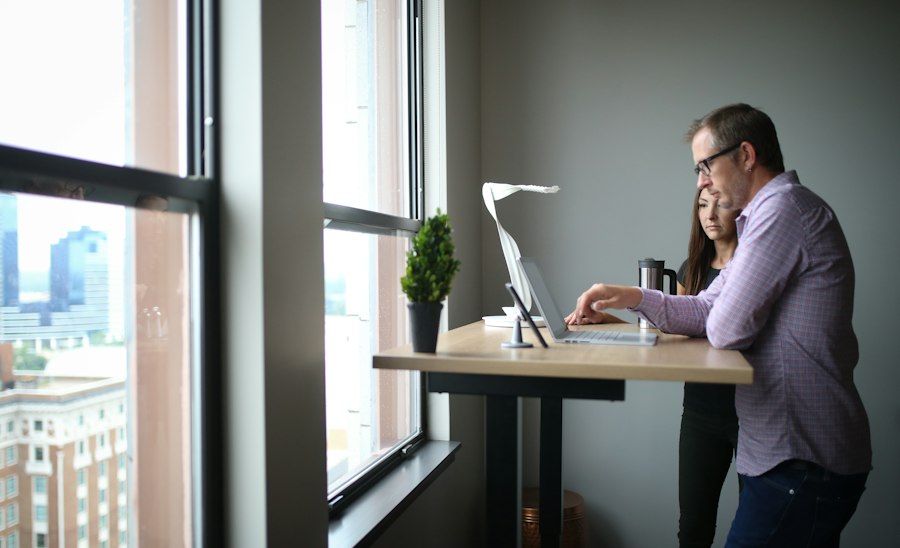
Setting up your smart workspace lighting for optimal circadian support and eye strain reduction isn’t overly complicated, but it does require a bit of planning and understanding of your daily routine. Think of it as tailoring your light to your life.
Establishing Your Daily Light Schedule
The most fundamental step is to define a schedule that mirrors natural daylight. This is where most of the magic happens.
- Morning (7 AM – 9 AM): Start with a cooler color temperature (e.g., 5000K-6000K) and gradually increase brightness.
This signals to your body that it’s time to wake up and be alert, mimicking the rising sun. Avoid harsh, instant brightness; a gentle ramp-up is more effective and less jarring for your eyes.
- Mid-morning to Early Afternoon (9 AM – 2 PM): Maintain a bright, cool light (e.g., 5500K-6500K) at a high intensity. This is when most people are at their peak productivity and need maximum alertness.
The higher blue light content helps suppress melatonin and keeps you focused.
- Late Afternoon (2 PM – 5 PM): Begin a subtle transition. Gradually reduce the color temperature (e.g., down to 4500K-5000K) and slightly dim the intensity. This prepares your eyes and brain for the evening wind-down, preventing that harsh “wall” of light hitting you suddenly.
- Evening (5 PM onwards): Shift to warmer color temperatures (e.g., 2700K-3500K) and significantly dim the lights.
This signals to your body that melatonin production can begin, helping you relax and prepare for sleep. Avoid intense blue light exposure during these hours, especially if you plan to sleep within a few hours.
Fine-Tuning Intensity and Brightness
While color temperature is crucial, brightness (lux level) is equally important for comfort.
- Task-specific needs: If you’re doing detailed work, you might need higher local intensity over your work surface than if you’re just reading emails. Many smart desk lamps offer localized intensity control.
- Glare management: Too much brightness, especially if it’s reflected off screens or shiny surfaces, causes significant eye strain.
Use dimming features to reduce glare. Consider indirect lighting where light bounces off walls or ceilings rather than shining directly into your eyes.
- Personal preference: Everyone is different. What feels comfortable for one person might be too dim or too bright for another.
The beauty of smart lighting is its adjustability. Don’t be afraid to tweak the settings until it feels just right for you. Pay attention to how your eyes feel at different settings.
Incorporating Daylight Harvesting
If your workspace has natural windows, leveraging that light is paramount.
- Sensor placement: Ensure daylight sensors are placed where they accurately measure ambient natural light without being blocked or receiving direct sunlight that could skew readings.
- Integration with blinds/shades: For truly smart integration, link your lighting system with automated smart blinds or shades.
On a very bright day, the blinds might partially close to prevent excessive glare, while the artificial lights adjust their intensity and color temperature to maintain consistent overall illumination. This creates a seamlessly comfortable visual environment.
- Minimizing contrast: The goal is to minimize the sharp contrast between natural light and artificial light. Your smart lights should fill in the gaps and balance the overall light levels, making transitions virtually unnoticeable to your eyes.
User Override and Adaptability
While automated schedules are great, life isn’t always predictable.
- Manual adjustments: Ensure your system allows for easy manual overrides.
Sometimes you might need a burst of cool, bright light for an intense focus session, or a warmer, dimmer light for a quick break, regardless of the schedule.
- Pre-set scenes: Many systems allow you to save “scenes” – specific combinations of color temperature and intensity for different activities (e.g., “Focus,” “Relax,” “Presentation”). This offers quick access to personalized settings without messing up your main schedule.
- Learning capabilities: Some advanced systems can even learn your preferences over time, adjusting their automation based on your frequent manual overrides. This makes the system truly adaptive to your unique work patterns.
Practical Setup Considerations and Tips
Implementing smart circadian lighting doesn’t have to be an all-or-nothing endeavor. You can start small and expand. Here are some practical points to keep in mind.
Choosing the Right Fixtures and Bulbs
The market is flooded with options, so knowing what to look for is key.
- Tunable White capability: This is non-negotiable. Ensure the product explicitly states its ability to shift color temperature across a wide range (e.g., 2200K-6500K).
- Dimming range: Check that the bulbs can dim smoothly to very low levels without flickering. Look for “smooth dimming” or “flicker-free” specifications.
- Connectivity standard: Decide if you want Wi-Fi, Bluetooth, Zigbee, or Z-Wave. Wi-Fi is often easiest for single-room setups, while Zigbee/Z-Wave might be better for larger, multi-device smart home ecosystems.
- Lumens and coverage: Ensure the fixtures provide enough light (lumens) for your workspace. A general guideline for office work is around 500-750 lumens for a typical desk area. Consider directional versus ambient lighting needs.
- Quality over cost: While budget is a factor, investing in higher-quality fixtures often means better color rendering (how accurately colors appear under the light), more reliable connectivity, and a longer lifespan, which ultimately reduces eye strain.
Placement and Layout
Where you put your lights makes a huge difference.
- Avoid direct glare: Position lights so they don’t shine directly into your eyes or create harsh reflections on your screen. Indirect lighting (where light bounces off a wall or ceiling) is often more comfortable for general illumination.
- Task lighting: A good desk lamp with tunable white and dimming capabilities is invaluable. It allows you to direct light precisely where you need it for specific tasks without over-illuminating the entire room.
- Layered lighting: Combine ambient (general room light), task (desk lamp), and accent lighting (e.g., wall washers) for a flexible and comfortable environment. Each layer can be independently controlled for color temperature and intensity.
- Monitor backlight: Consider adding a bias light behind your monitor. This reduces the contrast between your bright screen and a dark wall, which significantly lessens eye strain. Look for bias lights that can also adjust color temperature.
Software and App Integration
The brain of your system lies in its software.
- User-friendly interface: The app or control system should be intuitive and easy to navigate. Complex interfaces can deter you from making adjustments.
- Scheduling features: Ensure robust scheduling options are available to program your circadian rhythm changes automatically.
- Third-party integration: If you have other smart devices (smart speakers, smart thermostats), check if your lighting system can integrate with them for a more unified experience. Platforms like Apple HomeKit, Google Home, or Amazon Alexa are common hubs.
- Updates and support: Opt for brands that regularly update their software and offer good customer support. Bugs can be frustrating, and a responsive support team can make a big difference.
Starting Small and Scaling Up
You don’t need to overhaul your entire office at once.
- Single-desk approach: Begin with a smart tunable white desk lamp. This is an affordable and effective way to experience the benefits of circadian lighting in your immediate workspace.
- Room by room: Once comfortable, you can replace overhead bulbs or fixtures in one room, then gradually expand to other areas.
- Phased investment: Smart lighting can be an investment. By starting small, you can spread the cost over time and ensure you’re happy with the system before committing to a larger setup.
In exploring the benefits of smart workspace lighting, it’s interesting to consider how technology can enhance our daily routines beyond just illumination. For instance, a related article discusses the compatibility of Samsung smartwatches with rooted phones, which highlights the growing intersection of smart devices in our lives. You can read more about this intriguing topic