

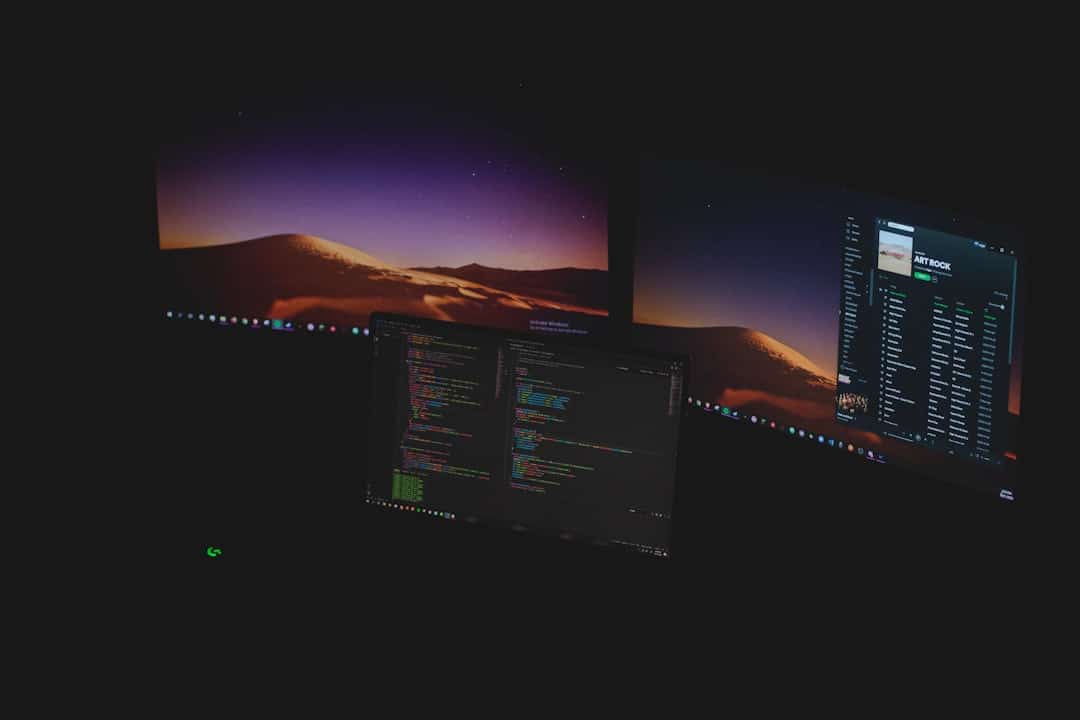
Virtual desktop environments (VDEs) represent a significant advancement in how individuals interact with their computing resources. By leveraging virtualization technology, VDEs allow users to access a desktop interface that is not tied to a physical machine. Instead, the desktop is hosted on a remote server, enabling users to connect from various devices, including laptops, tablets, and even smartphones. This flexibility is particularly beneficial in an increasingly mobile and remote work landscape, where employees require access to their work environments from different locations.
The concept of virtual desktops has evolved alongside advancements in cloud computing and network infrastructure. As organizations seek to optimize their IT resources and enhance user experience, VDEs have gained traction as a viable solution. They offer a centralized management system for IT departments, allowing for easier updates, security management, and resource allocation. As businesses continue to adapt to new technologies, understanding the implications of virtual desktop environments becomes essential for maximizing efficiency and productivity.
Virtual desktop environments have gained significant attention as technology advances, leading to discussions about whether virtual reality (VR) can effectively replace multiple monitor setups. A related article that explores the potential of VR in enhancing productivity and user experience is titled “Unlock the Possibilities with Samsung Galaxy S22.” This article delves into the capabilities of modern devices and how they can complement virtual environments, making it a valuable read for anyone interested in the future of digital workspaces. For more insights, you can check out the article here: Unlock the Possibilities with Samsung Galaxy S22.
Key Takeaways
- Virtual desktop environments offer immersive workspaces that can replace traditional multiple monitor setups.
- VR enhances productivity by providing customizable, distraction-free virtual work areas.
- Compared to physical monitors, VR setups save physical space and allow flexible screen arrangements.
- Challenges include hardware costs, user comfort, and software compatibility issues.
- The future of VR in the workplace looks promising, with potential to transform how we manage digital workspaces.
The Benefits of Using Virtual Reality for Work
Virtual reality (VR) has emerged as a transformative tool in various sectors, including education, healthcare, and entertainment. In the workplace, VR offers unique benefits that can enhance collaboration and engagement among employees. One of the primary advantages of using VR for work is the immersive experience it provides. By simulating real-world environments, VR allows users to interact with digital content in a more intuitive manner. This can lead to improved understanding and retention of information, particularly in training scenarios where hands-on experience is crucial.
Moreover, VR can facilitate remote collaboration in ways that traditional communication tools cannot. Virtual meetings can take place in shared 3D spaces, allowing participants to engage with each other and their content more dynamically. This immersive interaction can foster a sense of presence and connection among team members, even when they are physically apart.
As organizations increasingly embrace remote work, the ability to create engaging virtual environments can help maintain team cohesion and productivity.
Comparing Virtual Reality to Traditional Multiple Monitor Setups
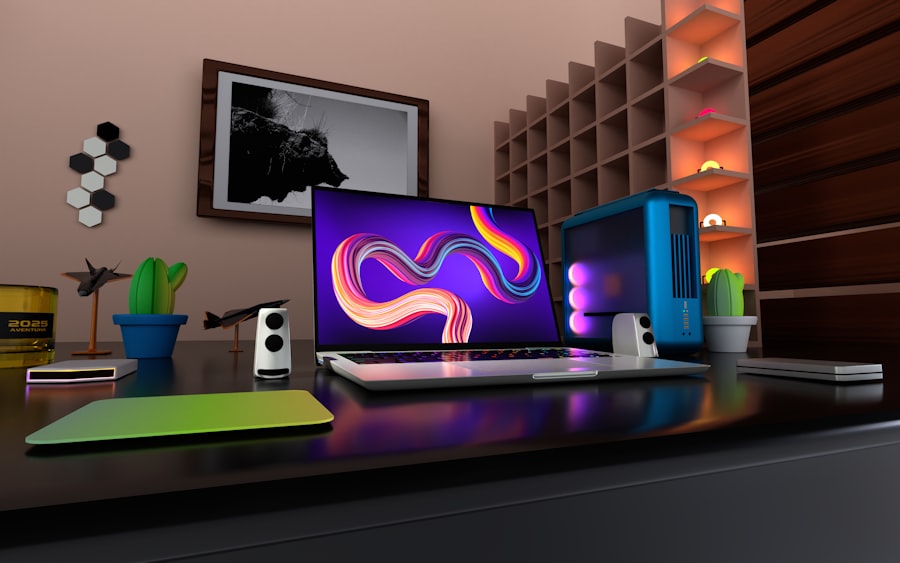
Traditional multiple monitor setups have long been favored by professionals seeking to enhance their productivity. By extending their desktop across several screens, users can manage multiple applications simultaneously, reducing the need to switch between windows. However, while this approach has its merits, it also comes with limitations, such as increased desk space requirements and potential distractions from surrounding monitors.
In contrast, virtual reality offers a different paradigm for managing digital workspaces. With VR, users can create expansive virtual environments that can accommodate numerous applications and tools without the physical constraints of multiple monitors. This flexibility allows for a more organized workspace where users can arrange their digital assets according to their preferences. Additionally, VR can reduce eye strain associated with prolonged screen time by providing a more natural viewing experience that mimics real-world interactions.
How Virtual Desktop Environments Can Improve Productivity
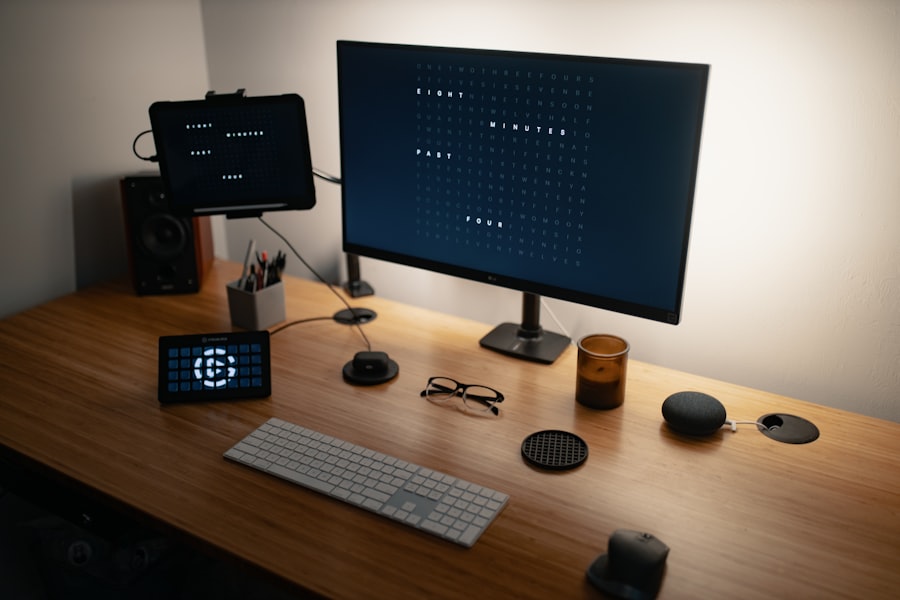
The implementation of virtual desktop environments can lead to significant improvements in productivity across various sectors. One of the key factors contributing to this enhancement is the ability to customize workspaces according to individual needs. Users can tailor their virtual environments to suit their workflows, enabling them to access the tools and applications they use most frequently with ease. This level of personalization can streamline tasks and reduce the time spent searching for resources.
Furthermore, VDEs facilitate seamless collaboration among team members. With centralized access to shared resources and applications, employees can work together more effectively, regardless of their physical location. This collaborative aspect is particularly important in today’s globalized workforce, where teams often span multiple time zones and geographical boundaries. By fostering an environment where collaboration is effortless, VDEs can help organizations achieve their goals more efficiently.
As the technology behind virtual reality continues to evolve, many are exploring its potential to enhance productivity in the workplace. A related article discusses the best software testing books, which can provide valuable insights for developers looking to optimize their VR applications. By leveraging the knowledge from these resources, professionals can better understand how to create immersive virtual desktop environments that may one day replace traditional multiple monitor setups. For more information, you can check out the article on here. This exploration into VR technology highlights the potential for enhanced productivity and engagement in digital workspaces.
Considerations for Implementing Virtual Desktop Environments
When considering the implementation of virtual desktop environments, organizations must evaluate several key factors to ensure a successful transition. First and foremost is the assessment of existing infrastructure. Organizations need to determine whether their current network capabilities can support VDEs without compromising performance. This may involve upgrading hardware or investing in additional bandwidth to accommodate increased data traffic.
Another important consideration is user training and support. Employees must be equipped with the knowledge and skills necessary to navigate virtual desktop environments effectively. Providing comprehensive training programs can help ease the transition and encourage adoption among staff members.
Additionally, ongoing technical support should be readily available to address any issues that may arise during use.
The Future of Virtual Reality in the Workplace
The future of virtual reality in the workplace appears promising as technology continues to advance. As VR hardware becomes more affordable and accessible, organizations are likely to explore its potential for enhancing various aspects of work life. Innovations in VR software will also play a crucial role in shaping its future applications, with developers creating more intuitive interfaces and tools tailored specifically for professional use.
Moreover, as remote work becomes increasingly normalized, the demand for effective collaboration tools will grow. Virtual reality has the potential to fill this gap by providing immersive environments that facilitate teamwork and communication across distances. As businesses recognize the value of VR in fostering engagement and productivity, its integration into workplace practices may become more commonplace.
The Potential of VR to Replace Multiple Monitors
In conclusion, virtual reality presents a compelling alternative to traditional multiple monitor setups in the workplace. With its ability to create customizable and immersive environments, VR has the potential to enhance productivity and collaboration among employees. While challenges such as cost and user acceptance remain significant hurdles, ongoing advancements in technology may pave the way for broader adoption.
As organizations continue to adapt to changing work dynamics, exploring innovative solutions like virtual desktop environments will be essential for maintaining competitiveness. The potential for VR to replace multiple monitors is not merely theoretical; it represents a shift towards more efficient and engaging work practices that align with the needs of modern professionals. As we look ahead, it will be crucial for businesses to remain open to these technological advancements and consider how they can leverage them for improved outcomes in their operations.
FAQs
What is a virtual desktop environment in VR?
A virtual desktop environment in VR is a simulated workspace where users can interact with multiple virtual screens or applications within a three-dimensional virtual reality setting. It allows users to organize and manage their digital workspace beyond the physical limitations of traditional monitors.
Can VR completely replace multiple physical monitors?
While VR virtual desktops can replicate the experience of having multiple monitors by providing numerous virtual screens, they may not fully replace physical monitors for all users. Factors such as resolution, comfort, eye strain, and workflow preferences influence whether VR can serve as a complete substitute.
What are the advantages of using VR for virtual desktops?
Advantages include the ability to customize and scale the workspace infinitely, reduce physical desk clutter, enhance focus by isolating the workspace, and enable portability of the desktop environment. VR can also provide immersive experiences that are not possible with traditional monitors.
What limitations does VR have compared to multiple monitors?
Limitations include potential discomfort or motion sickness during prolonged use, lower display resolution compared to high-end monitors, limited tactile feedback, and the need for specialized hardware. Additionally, VR may not be suitable for tasks requiring precise color accuracy or detailed visual work.
Is VR virtual desktop technology suitable for professional use?
VR virtual desktops can be suitable for certain professional tasks, especially those benefiting from immersive environments or requiring multiple simultaneous screens. However, professionals in fields like graphic design, video editing, or finance may still prefer physical monitors due to resolution and ergonomic considerations.