


Establishing clear objectives and agendas is fundamental to the success of any meeting or collaborative effort. When participants understand the purpose of the gathering, they can prepare accordingly and contribute more effectively. Objectives should be specific, measurable, achievable, relevant, and time-bound (SMART). This clarity helps to align the team’s focus and ensures that discussions remain on track. An agenda serves as a roadmap for the meeting, outlining the topics to be covered and the time allocated for each. By distributing the agenda in advance, participants can come prepared with relevant information and insights, which enhances the quality of the discussion.
Moreover, a well-structured agenda can help manage expectations. It allows participants to know what to anticipate and how they can contribute. This preparation can lead to more productive conversations, as individuals are less likely to veer off-topic when they have a clear understanding of the meeting’s goals. Additionally, setting objectives can foster accountability among team members. When everyone knows what is expected, it becomes easier to track progress and measure outcomes.
Ultimately, clear objectives and a well-defined agenda create a framework that supports effective communication and decision-making.
In addition to the tips for conducting efficient virtual team meetings, you may find it helpful to explore strategies for managing technology in other areas of life. For instance, if you’re considering how to choose your child’s first smartphone, you can read more about it in this insightful article. It provides guidance on selecting the right device that balances functionality and safety, which can be particularly relevant for parents navigating the digital landscape. Check it out here: How to Choose Your Child’s First Smartphone.
Key Takeaways
- Define clear objectives and agendas to keep meetings focused and productive.
- Use appropriate technology tools to facilitate smooth communication and collaboration.
- Set ground rules to ensure respectful and inclusive participation from all attendees.
- Promote active engagement to encourage contributions and maintain interest.
- Manage time efficiently and follow up with action items to ensure accountability and progress.
Utilizing the Right Technology
In today’s digital age, leveraging the right technology is essential for facilitating effective meetings and collaboration. Various tools are available that can enhance communication, streamline processes, and improve overall productivity. Video conferencing platforms, for instance, allow teams to connect regardless of geographical barriers, making it easier to include remote participants. Screen sharing capabilities enable real-time collaboration on documents and presentations, ensuring that everyone is on the same page. By selecting appropriate technology, organizations can create an inclusive environment that accommodates diverse working styles.
Additionally, project management software can play a crucial role in organizing tasks and tracking progress. These tools often include features such as task assignments, deadlines, and progress updates, which help keep team members accountable. Integrating communication tools like instant messaging or collaborative document editing can further enhance interaction among participants. However, it is important to ensure that all team members are comfortable using the chosen technology. Providing training or resources can help bridge any gaps in digital literacy, ensuring that everyone can participate fully in discussions and activities.
Establishing Ground Rules for Participation
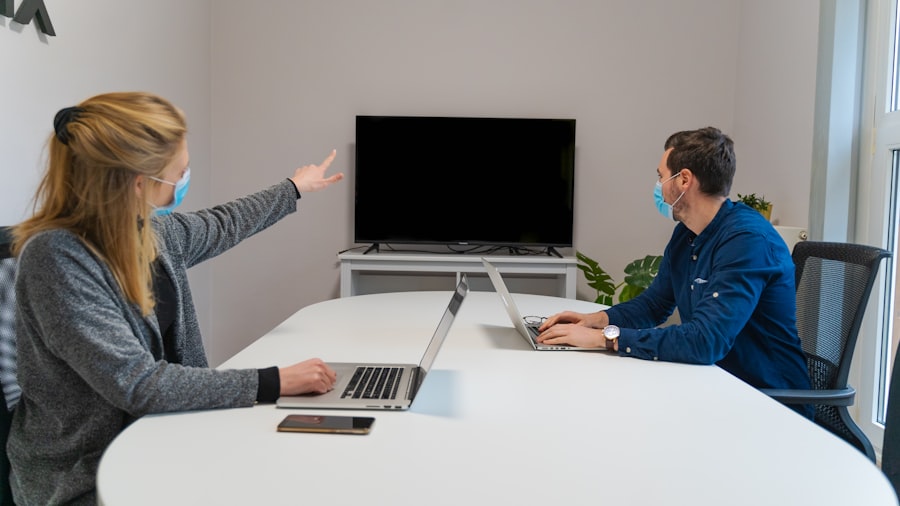
Establishing ground rules for participation is vital in creating a respectful and productive meeting environment. These rules set expectations for behavior and communication, helping to foster a culture of inclusivity and collaboration. Common ground rules may include guidelines on speaking time, active listening, and encouraging diverse viewpoints. By clearly articulating these expectations at the beginning of a meeting, participants are more likely to engage constructively and avoid disruptive behaviors.
Furthermore, ground rules can help mitigate conflicts that may arise during discussions. When participants understand the importance of respecting differing opinions and maintaining a professional demeanor, it creates a safer space for open dialogue. Encouraging participants to agree on these rules collectively can also promote buy-in and accountability. When everyone is involved in establishing the guidelines, they are more likely to adhere to them throughout the meeting. Ultimately, well-defined ground rules contribute to a more focused and effective collaborative experience.
Encouraging Active Engagement
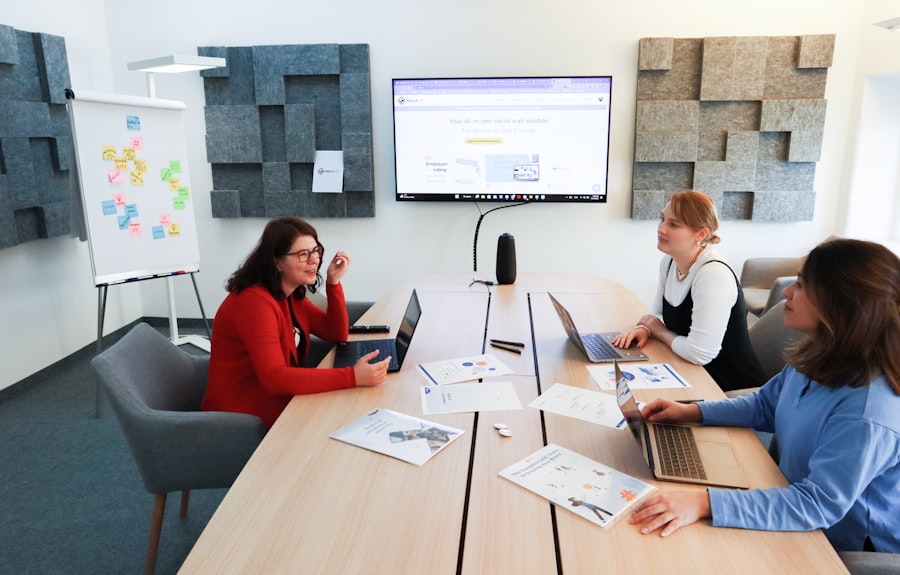
Active engagement is crucial for maximizing the effectiveness of meetings and collaborative efforts. Encouraging participation from all attendees not only enriches discussions but also fosters a sense of ownership among team members. One effective strategy is to ask open-ended questions that invite input from everyone present. This approach encourages individuals to share their perspectives and insights, leading to more dynamic conversations. Additionally, utilizing techniques such as brainstorming sessions or breakout groups can stimulate creativity and collaboration among participants.
Another way to promote active engagement is by recognizing contributions from team members. Acknowledging individual input can motivate others to participate more freely. This recognition does not have to be elaborate; simple affirmations or follow-up questions can encourage further discussion. Moreover, creating an environment where it is safe to express differing opinions can lead to richer dialogue and innovative solutions. By fostering an atmosphere of respect and openness, teams can enhance their collaborative efforts and achieve better outcomes.
When planning your next virtual team meeting, it’s essential to consider the tools and technology that can enhance communication and collaboration. For instance, selecting the right devices can significantly impact the overall experience. A related article discusses the best laptops for kids in 2023, which can also provide insights into suitable technology for team members working from home. You can read more about it here. By ensuring that everyone has access to reliable equipment, you can foster a more productive meeting environment.
Managing Time Effectively
| Tip | Description | Metric/Benefit | Recommended Frequency |
|---|---|---|---|
| Set Clear Agenda | Prepare and share a detailed agenda before the meeting. | Reduces meeting time by up to 20% | Every meeting |
| Use Video Conferencing | Encourage video use to improve engagement and communication. | Increases participant engagement by 30% | Every meeting |
| Limit Meeting Duration | Keep meetings concise, ideally under 45 minutes. | Improves focus and reduces fatigue | Every meeting |
| Assign Roles | Designate a facilitator, note-taker, and timekeeper. | Enhances meeting efficiency by 25% | Every meeting |
| Encourage Participation | Use round-robin or direct questions to involve all members. | Boosts idea generation by 40% | Every meeting |
| Follow Up with Minutes | Send meeting notes and action items promptly. | Increases task completion rate by 35% | Within 24 hours post-meeting |
| Use Collaboration Tools | Leverage shared documents and project management apps. | Improves team coordination by 50% | Ongoing |
| Schedule at Optimal Times | Consider time zones to maximize attendance and alertness. | Reduces absenteeism by 15% | As needed |
Effective time management is essential for ensuring that meetings are productive and focused. One approach is to allocate specific time slots for each agenda item, which helps keep discussions on track and prevents any single topic from dominating the conversation. Designating a timekeeper can also be beneficial; this person can gently remind participants when it is time to move on to the next topic or when discussions are becoming too lengthy.
In addition to managing time during meetings, it is important to consider follow-up actions after discussions conclude. Summarizing key points and decisions made during the meeting can help reinforce accountability among team members.
Setting deadlines for action items ensures that progress continues beyond the meeting itself.
By prioritizing time management both during and after meetings, organizations can enhance productivity and ensure that objectives are met efficiently.
Providing Opportunities for Collaboration
Creating opportunities for collaboration is essential for fostering teamwork and innovation within an organization. Collaborative efforts can take many forms, from joint projects to informal brainstorming sessions. Encouraging cross-functional teams to work together on specific tasks can lead to diverse perspectives and creative solutions. By breaking down silos within an organization, teams can leverage each other’s strengths and expertise.
Additionally, providing platforms for collaboration—such as shared digital workspaces or regular team-building activities—can enhance relationships among team members. These opportunities allow individuals to build trust and rapport, which are critical components of effective teamwork. Furthermore, recognizing collaborative efforts publicly can reinforce the value of teamwork within the organization. By promoting a culture of collaboration, organizations can drive innovation and improve overall performance.
Following Up with Action Items
Following up with action items after meetings is crucial for maintaining momentum and accountability within teams. Clearly documenting decisions made during discussions ensures that everyone understands their responsibilities moving forward. Distributing meeting minutes or summaries that outline action items along with assigned individuals and deadlines helps keep everyone aligned on expectations.
Regularly checking in on progress related to these action items reinforces accountability among team members. This follow-up process not only ensures that tasks are completed but also provides an opportunity for teams to address any challenges they may encounter along the way. By establishing a routine for follow-up communications—whether through email updates or subsequent meetings—organizations can foster a culture of accountability that drives results.
Seeking Feedback for Improvement
Seeking feedback is an essential component of continuous improvement in any collaborative environment. After meetings or projects conclude, gathering input from participants about their experiences can provide valuable insights into what worked well and what could be improved. This feedback can take various forms, including surveys, informal discussions, or structured debrief sessions.
Acting on feedback demonstrates a commitment to improvement and encourages team members to share their thoughts openly in the future. By analyzing feedback trends over time, organizations can identify areas for enhancement in their meeting processes or collaborative efforts. This iterative approach not only improves future meetings but also fosters a culture of learning within the organization. Ultimately, seeking feedback contributes to more effective collaboration and better outcomes for teams.
In conclusion, effective collaboration hinges on several key practices that enhance communication, engagement, and accountability among team members. By setting clear objectives and agendas, utilizing appropriate technology, establishing ground rules for participation, encouraging active engagement, managing time effectively, providing opportunities for collaboration, following up with action items, and seeking feedback for improvement, organizations can create an environment conducive to productive teamwork. These practices not only facilitate successful meetings but also contribute to a culture of continuous improvement that drives organizational success.
FAQs
What are some key tips for conducting efficient virtual team meetings?
Key tips include setting a clear agenda, starting and ending on time, encouraging participation from all members, using reliable technology, and summarizing action items at the end.
How can I ensure active participation in virtual meetings?
Encourage engagement by asking direct questions, using interactive tools like polls or breakout rooms, and creating a supportive environment where team members feel comfortable sharing their ideas.
What technology tools are recommended for virtual team meetings?
Popular tools include Zoom, Microsoft Teams, Google Meet, and Webex. Choose platforms that offer features like screen sharing, chat, recording, and breakout rooms to enhance collaboration.
How long should virtual team meetings typically last?
Virtual meetings are most effective when kept concise, generally between 30 to 60 minutes, to maintain focus and prevent fatigue among participants.
How can I handle technical difficulties during virtual meetings?
Prepare by testing equipment beforehand, having a backup communication method, providing clear instructions to participants, and designating a tech support person if possible.