

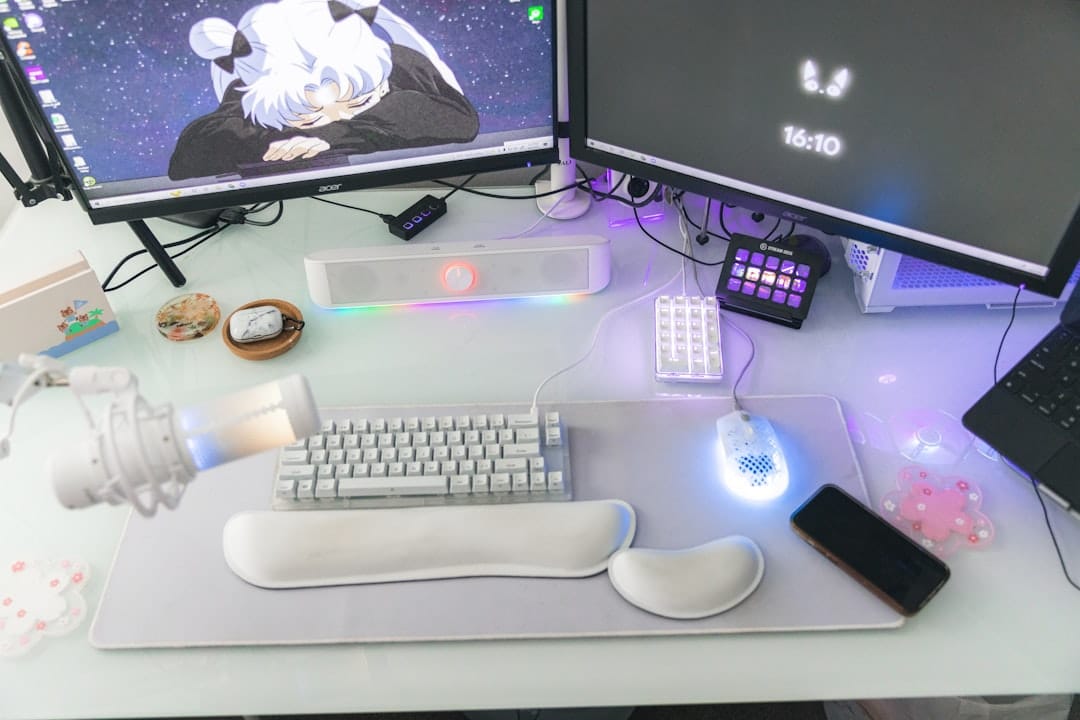
In the realm of computer peripherals, budget wireless keyboards and mice have gained significant traction among users seeking functionality without a hefty price tag. These devices offer the convenience of wireless connectivity, allowing for a clutter-free workspace while maintaining essential features for everyday tasks. As remote work and home offices become increasingly common, the demand for affordable yet reliable input devices has surged. Budget options provide an accessible entry point for users who may not require high-end specifications but still desire a satisfactory user experience.
The market for budget wireless keyboards and mice is diverse, with numerous brands and models available. This variety can be both an advantage and a challenge for consumers. While it allows for a wide selection tailored to different preferences, it can also lead to confusion regarding which products deliver the best value. Understanding the key factors that contribute to comfort and usability is crucial for making an informed decision. This article aims to explore these factors, highlight top picks in the budget category, and provide practical tips for setup and maintenance.
If you’re looking to enhance your workspace with affordable accessories, you might also be interested in exploring the best laptops for Blender in 2023. This article provides insights into top picks and reviews that can help you find a laptop that complements your new budget wireless keyboard and mouse setup. For more information, check out the article here: Discover the Best Laptops for Blender in 2023: Top Picks and Reviews.
Key Takeaways
- Comfort is a key factor when choosing budget wireless keyboards and mice to ensure ease of use and reduce strain.
- Important comfort considerations include ergonomic design, key/mouse size, and responsiveness.
- The article highlights top budget wireless keyboards and mice that prioritize user comfort without breaking the bank.
- Proper setup and regular maintenance can enhance the comfort and longevity of budget wireless peripherals.
- Comparing different models helps users find the best balance of comfort, functionality, and affordability.
Factors to Consider for Comfort in Budget Wireless Keyboards and Mice
When selecting budget wireless keyboards and mice, comfort should be a primary consideration. The design of these devices can significantly impact the user experience, especially during prolonged use. One of the most critical aspects is ergonomics. Keyboards that feature a comfortable layout, such as those with a slight incline or wrist support, can help reduce strain on the hands and wrists. Similarly, mice that fit well in the hand and allow for natural movement can prevent discomfort during extended periods of use.
Another factor to consider is key travel and feedback in keyboards.
A keyboard with shallow key travel may feel less satisfying to type on, while one with deeper travel can provide a more tactile experience.
For mice, sensitivity settings and responsiveness are essential. A mouse that allows users to adjust DPI (dots per inch) settings can cater to different preferences, whether for precise tasks like graphic design or general browsing. Additionally, battery life is an important consideration; devices that require frequent recharging can disrupt workflow and lead to frustration.
Top Picks for Budget Wireless Keyboards for Comfort
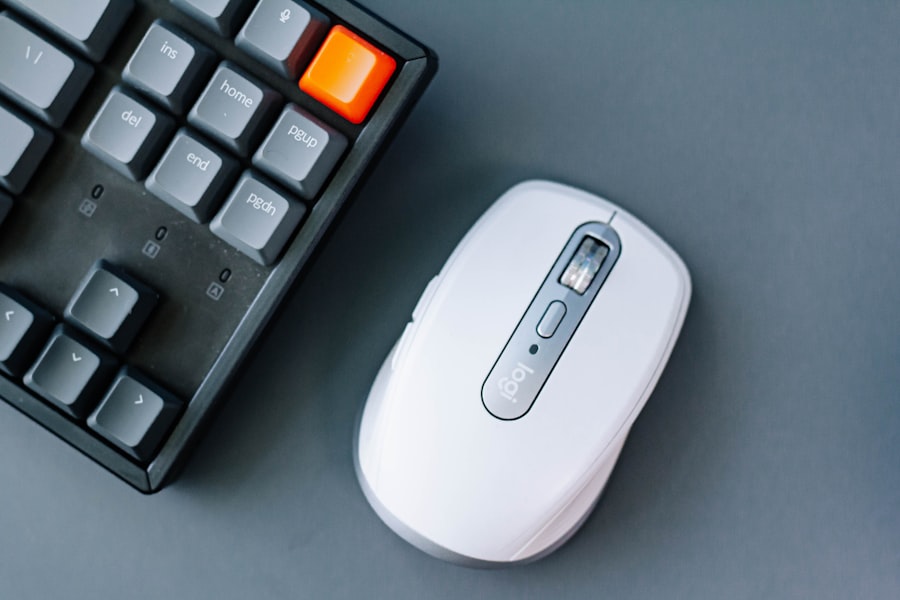
Among the various options available, several budget wireless keyboards stand out for their comfort features. The Logitech K380 Multi-Device Bluetooth Keyboard is a popular choice due to its compact design and ability to connect with multiple devices simultaneously. Its low-profile keys provide a comfortable typing experience, while its lightweight construction makes it easy to transport. Users appreciate its long battery life, which can last up to two years on a single set of batteries, minimizing the need for frequent replacements.
Another noteworthy option is the Microsoft Wireless Ergonomic Keyboard 850. This keyboard is designed with ergonomics in mind, featuring a split layout that encourages a more natural hand position. The cushioned palm rest adds an extra layer of comfort during extended typing sessions. Users have reported that this keyboard helps reduce wrist strain, making it suitable for those who spend long hours at their computers. Its affordability combined with ergonomic benefits makes it a strong contender in the budget category.
Top Picks for Budget Wireless Mice for Comfort
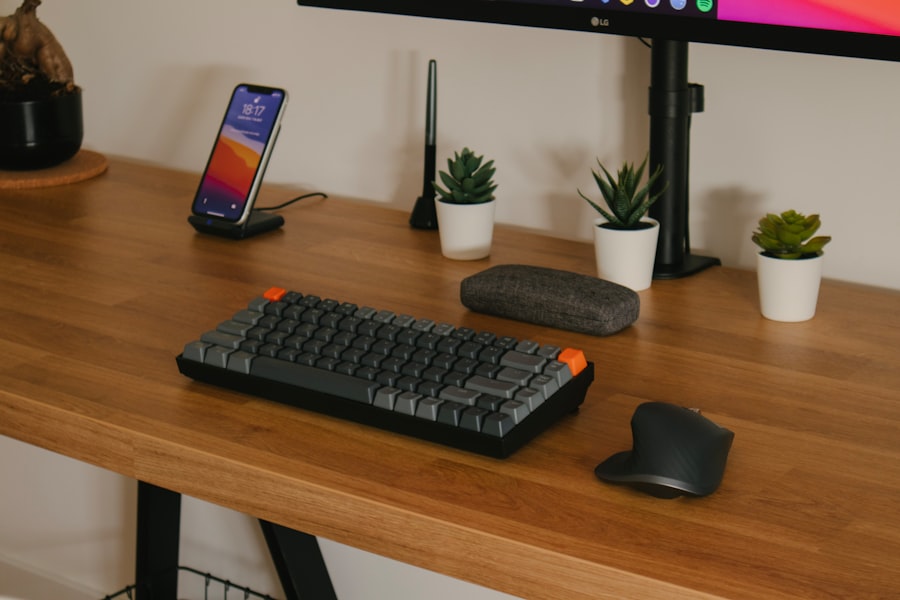
When it comes to budget wireless mice, several models excel in providing comfort without breaking the bank. The Logitech M510 Wireless Mouse is often recommended for its contoured shape that fits comfortably in the hand. It features customizable buttons that allow users to tailor their experience according to their needs, whether for gaming or productivity tasks. The battery life is impressive as well, lasting up to two years on a single set of AA batteries.
Another solid choice is the Anker Ergonomic Vertical Mouse. This mouse is designed to promote a more natural wrist position, which can help alleviate discomfort associated with traditional mouse designs. Its vertical orientation encourages users to maintain a neutral grip, reducing strain on the forearm and wrist during extended use. While it may take some time for users to adjust to the vertical design, many find it beneficial for long-term comfort.
If you’re looking to enhance your workspace alongside investing in budget-friendly wireless keyboards and mice, you might find it helpful to explore the world of music production software. A related article that delves into this topic is marketing technologies.
Tips for Setting Up and Using Budget Wireless Keyboards and Mice for Comfort
Setting up budget wireless keyboards and mice correctly can enhance comfort and usability significantly. First, ensure that the devices are positioned at an appropriate height relative to your seating arrangement. Ideally, your elbows should be at a 90-degree angle when typing or using the mouse. This positioning helps prevent strain on the shoulders and wrists.
Additionally, consider using wrist rests or pads if your keyboard lacks built-in support. These accessories can provide extra cushioning and help maintain proper wrist alignment during use. For mice, experiment with different grip styles—palm grip, claw grip, or fingertip grip—to find what feels most comfortable for you. Adjusting sensitivity settings on your mouse can also improve precision and reduce hand fatigue during extended sessions.
Maintenance and Care for Budget Wireless Keyboards and Mice
Proper maintenance of budget wireless keyboards and mice can extend their lifespan and ensure optimal performance. Regular cleaning is essential; dust and debris can accumulate over time, affecting functionality. For keyboards, gently remove keycaps if possible or use compressed air to dislodge particles from between keys. Wiping down surfaces with a microfiber cloth can help maintain cleanliness without damaging components.
For mice, ensure that the sensor area remains free from obstructions that could hinder tracking accuracy. Regularly check battery levels and replace batteries as needed to avoid interruptions during use. Additionally, storing these devices in a safe place when not in use can prevent accidental damage or wear.
Finding the Best Budget Wireless Keyboards and Mice for Comfort
In conclusion, finding the best budget wireless keyboards and mice requires careful consideration of comfort factors such as ergonomics, key travel, grip style, and battery life. With numerous options available on the market, users can select devices that meet their specific needs without overspending. The Logitech K380 and Microsoft Wireless Ergonomic Keyboard 850 are excellent choices for keyboards, while the Logitech M510 and Anker Ergonomic Vertical Mouse stand out among mice.
Ultimately, prioritizing comfort in these devices can lead to improved productivity and reduced strain during extended use. By following tips for setup and maintenance, users can enhance their experience further while ensuring longevity in their budget-friendly peripherals. As remote work continues to shape how we interact with technology, investing in comfortable input devices becomes increasingly important for overall well-being and efficiency in daily tasks.
FAQs
What should I look for in a budget wireless keyboard and mouse for comfort?
When choosing a budget wireless keyboard and mouse for comfort, consider ergonomic design, key travel and feedback, mouse shape and size, battery life, and wireless connectivity options. Look for features like wrist rests, adjustable tilt, and contoured mouse shapes to reduce strain during extended use.
Are budget wireless keyboards and mice reliable for everyday use?
Yes, many budget wireless keyboards and mice offer reliable performance for everyday tasks such as typing, browsing, and office work. While they may lack some advanced features found in premium models, they generally provide good connectivity, responsiveness, and comfort at an affordable price.
How does wireless connectivity affect the performance of budget keyboards and mice?
Wireless connectivity in budget keyboards and mice typically uses Bluetooth or a 2.4 GHz USB receiver. Both provide stable connections, but 2.4 GHz receivers often offer lower latency and better range. Interference and battery life can impact performance, so choosing devices with strong wireless protocols is important.
Can budget wireless keyboards and mice be used with multiple devices?
Some budget wireless keyboards and mice support multi-device pairing, allowing you to switch between devices like laptops, tablets, and smartphones. However, this feature is more common in mid-range and premium models, so check the product specifications to confirm multi-device compatibility.
How long do the batteries last in budget wireless keyboards and mice?
Battery life varies by model and usage but budget wireless keyboards and mice typically offer several months to over a year of battery life on standard AA or AAA batteries or built-in rechargeable batteries. Energy-efficient designs and auto-sleep modes help extend battery longevity.