

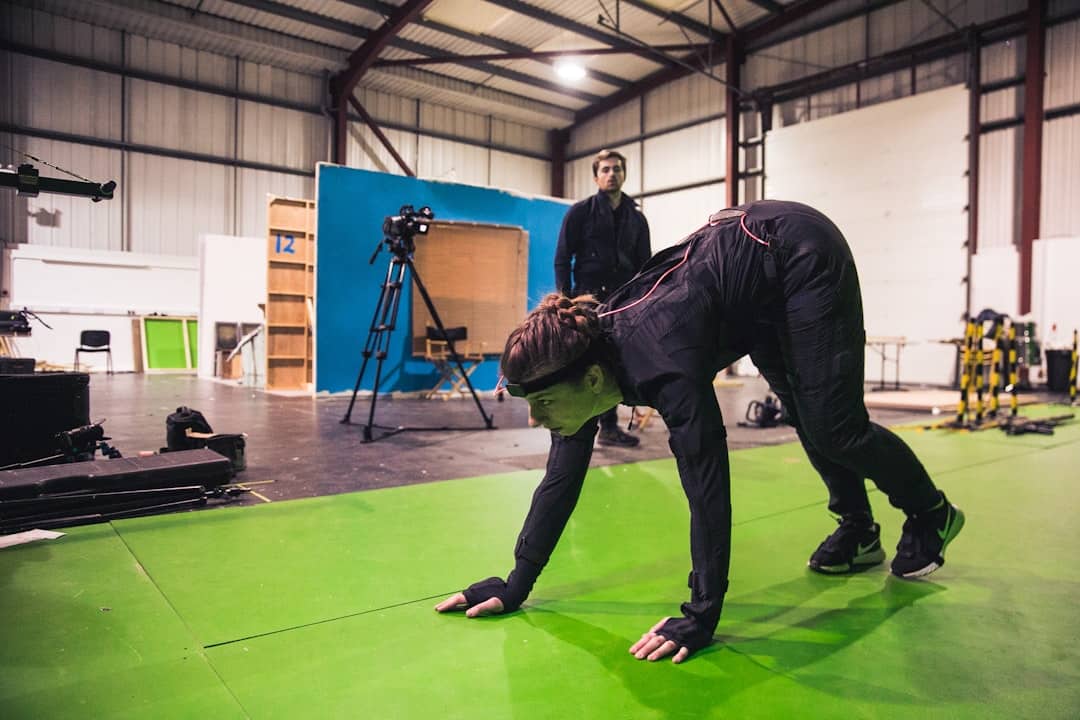
Motion capture, often abbreviated as mocap, has traditionally been associated with high-budget film productions and video game development studios. However, advancements in technology have made it increasingly accessible for individuals to set up motion capture systems in their own homes. This democratization of motion capture allows aspiring animators, game developers, and hobbyists to create realistic animations without the need for expensive equipment or professional studios. The rise of affordable software and hardware solutions has opened new avenues for creativity, enabling users to bring their ideas to life with greater ease and efficiency.
At its core, motion capture involves recording the movements of objects or people and translating those movements into digital data that can be used to animate 3D models. The home motion capture setup typically utilizes consumer-grade cameras, sensors, and software that can track movement in real-time. This shift towards home-based motion capture not only empowers creators but also fosters a community of innovators who share techniques, tools, and experiences. As more individuals explore this technology, the potential for unique storytelling and artistic expression continues to expand.
For those interested in the intersection of technology and creativity, a related article that explores the latest advancements in wearable tech is available at Fossil Smartwatches Review 2023. This article delves into how smartwatches are evolving to enhance user experience, much like how motion capture technology is transforming avatar animation at home. Both innovations highlight the growing role of AI and smart devices in our daily lives, making complex tasks more accessible and engaging for users.
Key Takeaways
- Home motion capture enables users to create animated avatars using accessible technology like webcams.
- AI plays a crucial role in enhancing avatar animation by interpreting and refining motion data.
- Setting up a home studio involves simple equipment and software to capture and animate movements effectively.
- Effective avatar animation at home requires practice, proper lighting, and understanding of motion capture techniques.
- The future of motion capture technology promises more advanced, affordable, and user-friendly solutions for home use.
The Role of AI in Avatar Animation
Artificial intelligence (AI) plays a significant role in enhancing the capabilities of avatar animation within motion capture systems. By leveraging machine learning algorithms, AI can analyze movement data and improve the accuracy of animations. This technology allows for smoother transitions and more lifelike representations of human motion, which is particularly important in fields such as gaming and virtual reality. AI can also assist in automating certain aspects of the animation process, reducing the time and effort required to achieve high-quality results.
Moreover, AI-driven tools can help users refine their animations by providing feedback on movement quality and suggesting adjustments. For instance, some software can identify unnatural poses or movements that may detract from the overall realism of an animation. By integrating AI into the motion capture workflow, animators can focus more on creative aspects while relying on technology to handle technical challenges. This synergy between human creativity and artificial intelligence is shaping the future of avatar animation, making it more accessible and efficient for home users.
How Webcams are Used for Motion Capture
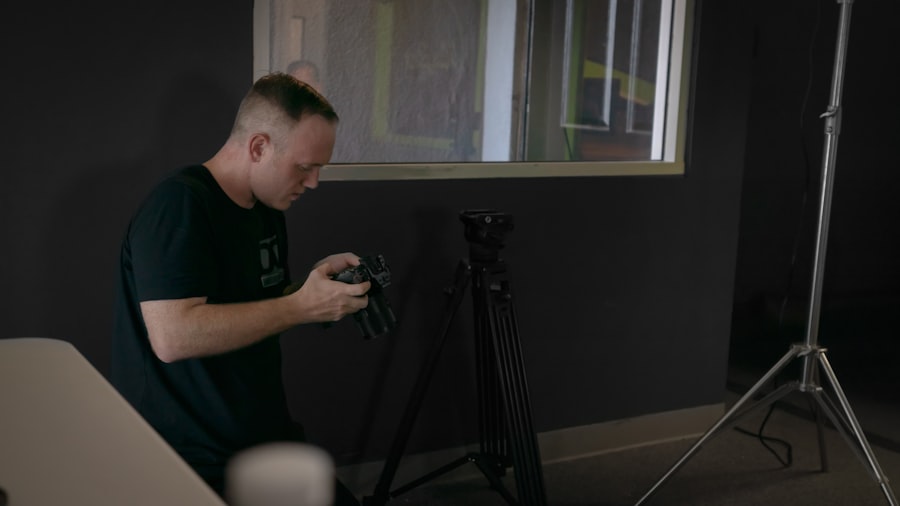
Webcams have emerged as a practical solution for home motion capture setups due to their affordability and widespread availability. Unlike traditional motion capture systems that require specialized cameras and extensive calibration, webcams can be easily integrated into a home environment. Many software applications are designed to work with standard webcams, allowing users to track their movements without the need for complex equipment. This accessibility has made it possible for a broader audience to experiment with motion capture techniques.
The use of webcams for motion capture typically involves software that can interpret video input and translate it into motion data. These applications often utilize computer vision algorithms to detect key points on the body, such as joints and limbs, enabling the software to create a digital skeleton that mimics the user’s movements. While webcams may not offer the same level of precision as professional motion capture systems, they provide a viable option for those looking to explore animation without significant financial investment. As technology continues to evolve, the capabilities of webcam-based motion capture are likely to improve, further enhancing their utility for home users.
Setting Up a Home Motion Capture Studio
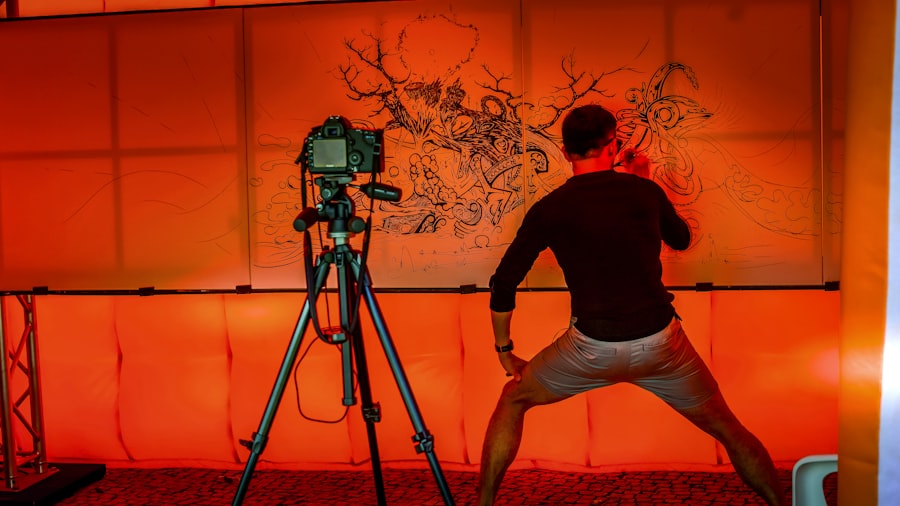
Creating a home motion capture studio requires careful planning and consideration of various factors to ensure optimal performance. The first step is selecting an appropriate space that allows for sufficient movement without obstructions. A well-lit area is essential for webcam-based systems, as good lighting enhances the camera’s ability to track movement accurately. Users should also consider the background; a plain backdrop can help the software distinguish between the subject and the environment, improving tracking accuracy.
Once the space is prepared, users need to gather the necessary equipment. A quality webcam is crucial, but additional tools such as tripods or mounts may be needed to position the camera at the right angle. Depending on the software being used, users might also require markers or sensors that can be attached to their bodies to improve tracking fidelity. After setting up the hardware, installing and configuring motion capture software is the next step. Many programs offer tutorials or guides to help users get started with calibration and tracking settings. With everything in place, users can begin experimenting with their motion capture setup, refining their techniques as they gain experience.
In the evolving landscape of digital animation, the article on Wear OS by Google highlights how wearable technology can enhance user interaction with virtual environments. As motion capture at home becomes more accessible through AI and webcams, integrating smart devices can provide users with an immersive experience that complements avatar animation. For more insights on how technology is shaping our interaction with digital worlds, you can read the full article here.
Tips for Effective Avatar Animation at Home
| Metric | Description | Typical Value / Range | Notes |
|---|---|---|---|
| Frame Rate | Number of frames captured per second by the webcam | 30 – 60 FPS | Higher frame rates improve motion smoothness |
| Latency | Delay between motion capture and avatar animation output | 50 – 200 ms | Lower latency is critical for real-time applications |
| Tracking Accuracy | Precision of AI in detecting and mapping body joints | 85% – 95% | Depends on lighting and webcam quality |
| Number of Joints Tracked | Count of body points detected and animated | 15 – 25 joints | Includes head, torso, limbs, and hands |
| Required Webcam Resolution | Minimum resolution for effective motion capture | 720p (1280×720) or higher | Higher resolution improves detail and accuracy |
| AI Model Size | Size of the AI model used for pose estimation | 10 – 50 MB | Smaller models enable faster processing on home PCs |
| Processing Platform | Hardware used for running AI and animation | PC, Laptop, or High-end Mobile Devices | GPU acceleration improves performance |
| Animation Output Formats | Supported formats for avatar animation export | FBX, BVH, GLTF | Commonly used in game engines and 3D software |
| Lighting Conditions | Optimal lighting for accurate motion capture | Bright, diffuse lighting | Reduces shadows and improves AI detection |
| Cost | Typical cost for setting up home motion capture | Low to Moderate | Mostly software-based, uses existing webcams |
To achieve effective avatar animation at home, several best practices can enhance both the quality of the output and the overall experience of working with motion capture technology. First and foremost, users should focus on understanding the principles of animation, such as timing, spacing, and weight. These foundational concepts are crucial for creating believable movements that resonate with viewers. By studying real-life movements and practicing them in front of the camera, animators can develop a keen sense of how to translate physical actions into digital animations.
Another important tip is to experiment with different types of movements and expressions. While capturing basic actions like walking or running is essential, incorporating a variety of gestures and facial expressions can add depth to an avatar’s personality. Users should also take advantage of post-processing tools available in animation software to refine their work further. This may include adjusting keyframes, smoothing out transitions, or adding secondary motions that enhance realism. By combining these techniques with regular practice and experimentation, animators can significantly improve their skills and produce high-quality animations from their home studios.
The Future of Motion Capture Technology
The future of motion capture technology appears promising as innovations continue to emerge across various sectors. One significant trend is the integration of virtual reality (VR) and augmented reality (AR) with motion capture systems. As these technologies become more mainstream, they will likely enhance user experiences by allowing animators to visualize their work in immersive environments. This could lead to new forms of storytelling and interactive experiences that were previously unimaginable.
Additionally, advancements in AI and machine learning will continue to refine motion capture processes. As algorithms become more sophisticated, they will enable even greater accuracy in tracking movements and translating them into animations. This could result in more intuitive user interfaces that simplify the setup process and reduce the learning curve for newcomers. Furthermore, as hardware becomes more powerful yet affordable, we may see an increase in mobile motion capture solutions that allow users to animate on-the-go. Overall, the future holds exciting possibilities for motion capture technology, making it an increasingly integral part of creative industries.
Advantages and Limitations of Home Motion Capture
Home motion capture offers several advantages that make it an appealing option for many creators. One of the primary benefits is cost-effectiveness; individuals can set up a functional motion capture system without investing in expensive equipment or studio space.
This accessibility encourages experimentation and creativity among hobbyists and aspiring professionals alike.
Additionally, home setups provide flexibility in terms of scheduling and location, allowing users to work at their own pace without external constraints.
However, there are limitations associated with home motion capture that users should be aware of. One significant drawback is the potential lack of precision compared to professional systems that utilize advanced sensors and multiple cameras for tracking. This can result in less accurate animations that may require extensive post-processing to achieve desired results. Furthermore, home environments may not always be conducive to capturing high-quality data due to factors such as lighting conditions or space constraints. Despite these challenges, many users find that the benefits outweigh the limitations, especially when they are willing to invest time in learning and improving their skills.
Resources for Learning and Improving Motion Capture Skills at Home
For those interested in enhancing their motion capture skills at home, numerous resources are available to facilitate learning and growth. Online platforms such as YouTube offer a wealth of tutorials covering various aspects of motion capture, from basic setup instructions to advanced animation techniques. Many experienced animators share their insights through video content, providing valuable tips and tricks that can help newcomers navigate common challenges.
In addition to video tutorials, forums and online communities dedicated to animation and motion capture can serve as excellent resources for networking and knowledge sharing. Websites like Reddit or specialized forums allow users to ask questions, share their work for feedback, and connect with others who share similar interests. Furthermore, many software applications come with comprehensive documentation and user guides that can assist users in mastering specific tools and features. By leveraging these resources, individuals can continually improve their skills and stay updated on industry trends within the realm of home motion capture.
FAQs
What is motion capture and how is it used for avatar animation?
Motion capture is a technology that records the movement of objects or people and translates it into digital data. For avatar animation, this data is used to animate digital characters in real-time or post-production, making their movements appear natural and lifelike.
Can I use a regular webcam for motion capture at home?
Yes, many modern AI-powered motion capture systems can utilize standard webcams to track body movements and facial expressions. While professional setups often use specialized cameras and sensors, webcams combined with AI algorithms provide an accessible option for home users.
How does AI enhance motion capture using webcams?
AI algorithms analyze the video feed from webcams to detect and interpret human poses, gestures, and facial expressions. This allows for accurate tracking without the need for markers or specialized suits, enabling real-time avatar animation with relatively simple hardware.
What are the limitations of using AI and webcams for motion capture at home?
Limitations include lower accuracy compared to professional motion capture systems, potential latency issues, and sensitivity to lighting conditions. Webcams may struggle with complex movements or occlusions, and AI models may require good calibration and sufficient processing power.
What software options are available for AI-based motion capture with webcams?
There are several software solutions that support AI-driven motion capture using webcams, such as Adobe Character Animator, iPi Soft, and open-source tools like OpenPose. These programs vary in features, ease of use, and cost, catering to different levels of expertise and project requirements.